AI remodel visualizer
Preview the renovation before anyone picks up a hammer.
Upload a photo of the kitchen, bathroom, basement or any room you are thinking of redoing. Renovate mode reworks cabinets, counters, flooring, wall finishes and built-ins, and keeps the window and door openings where they are, so you see the same room finished.
Your first render is free. Then from $9.
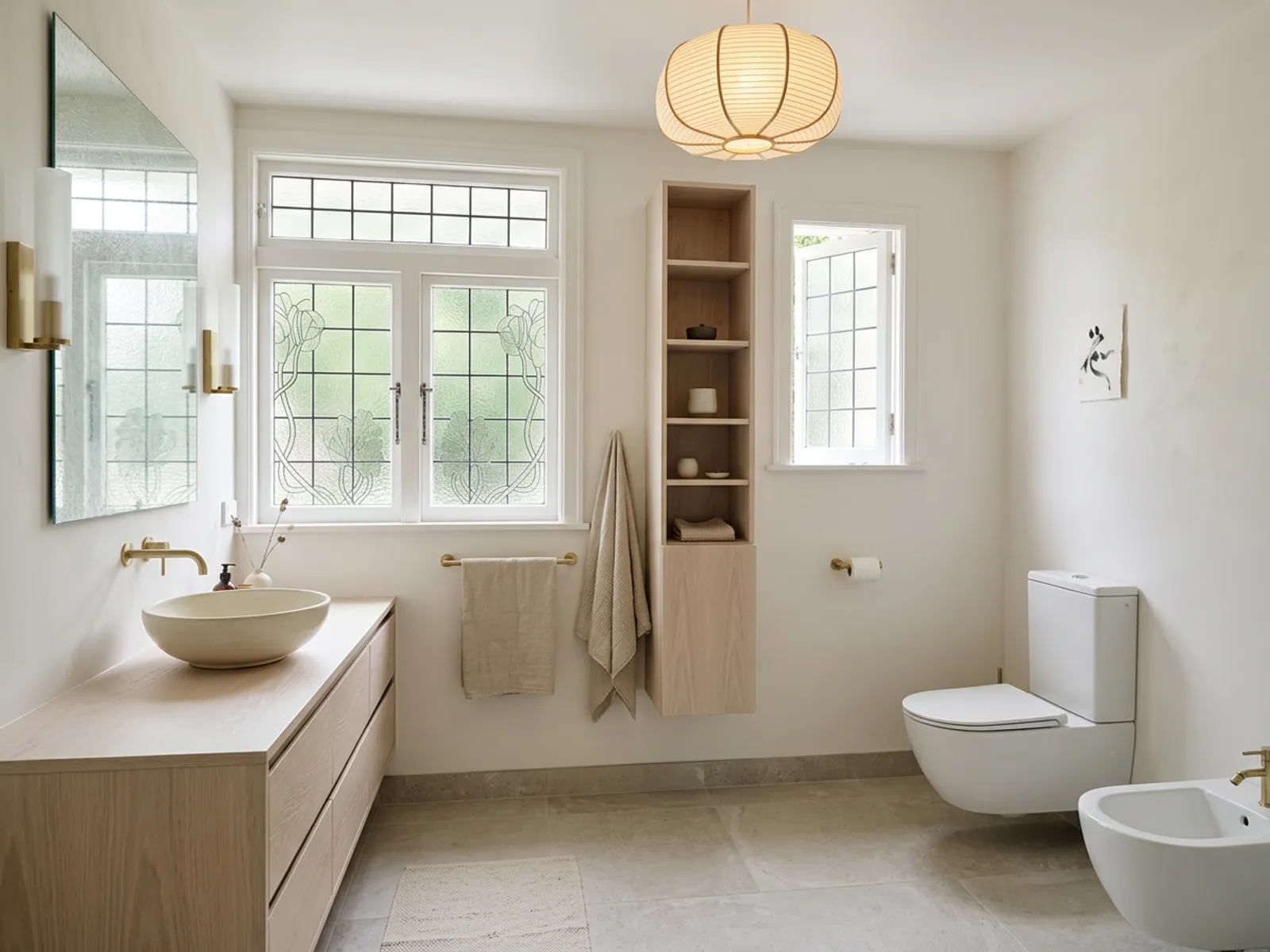
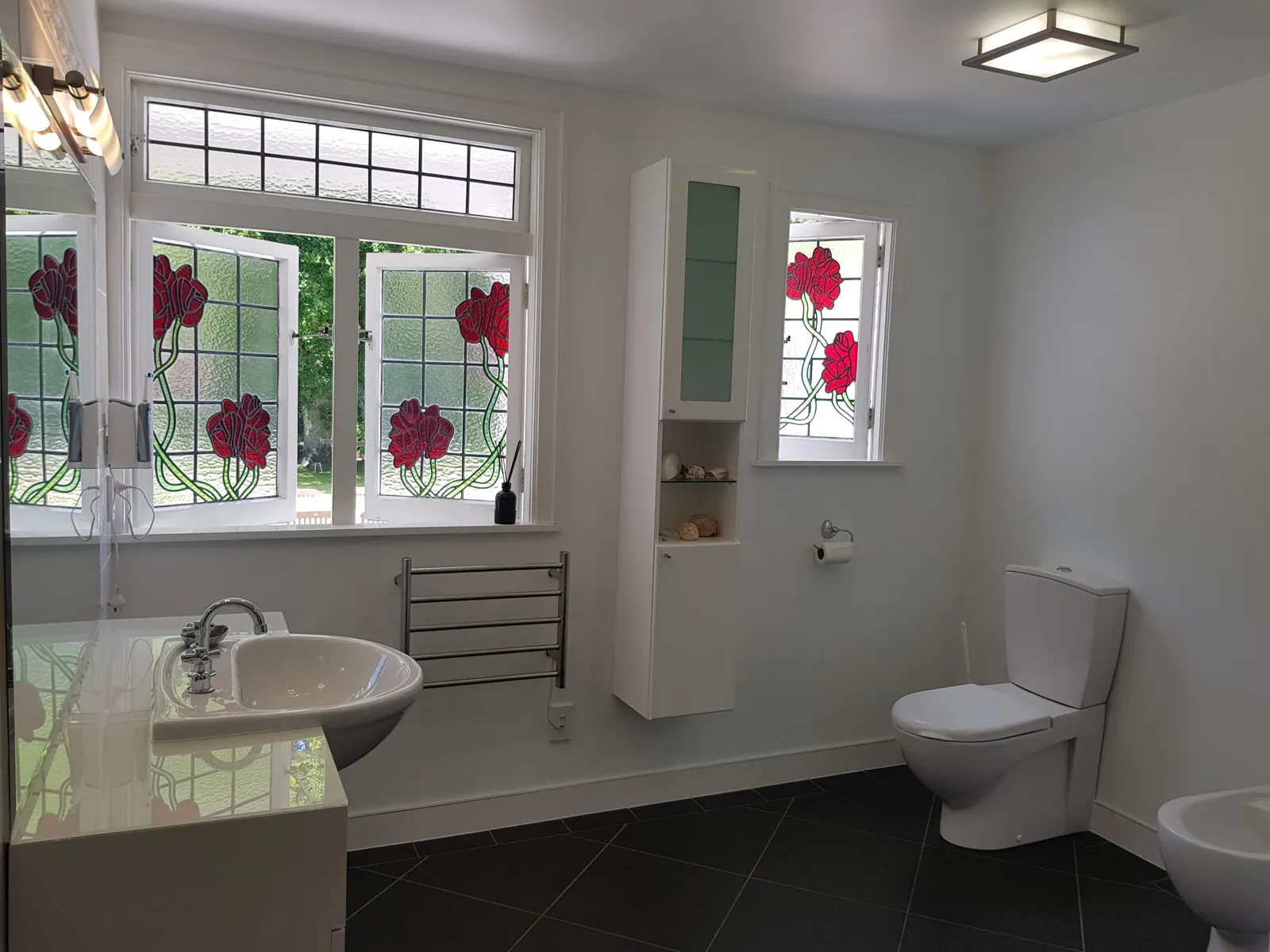
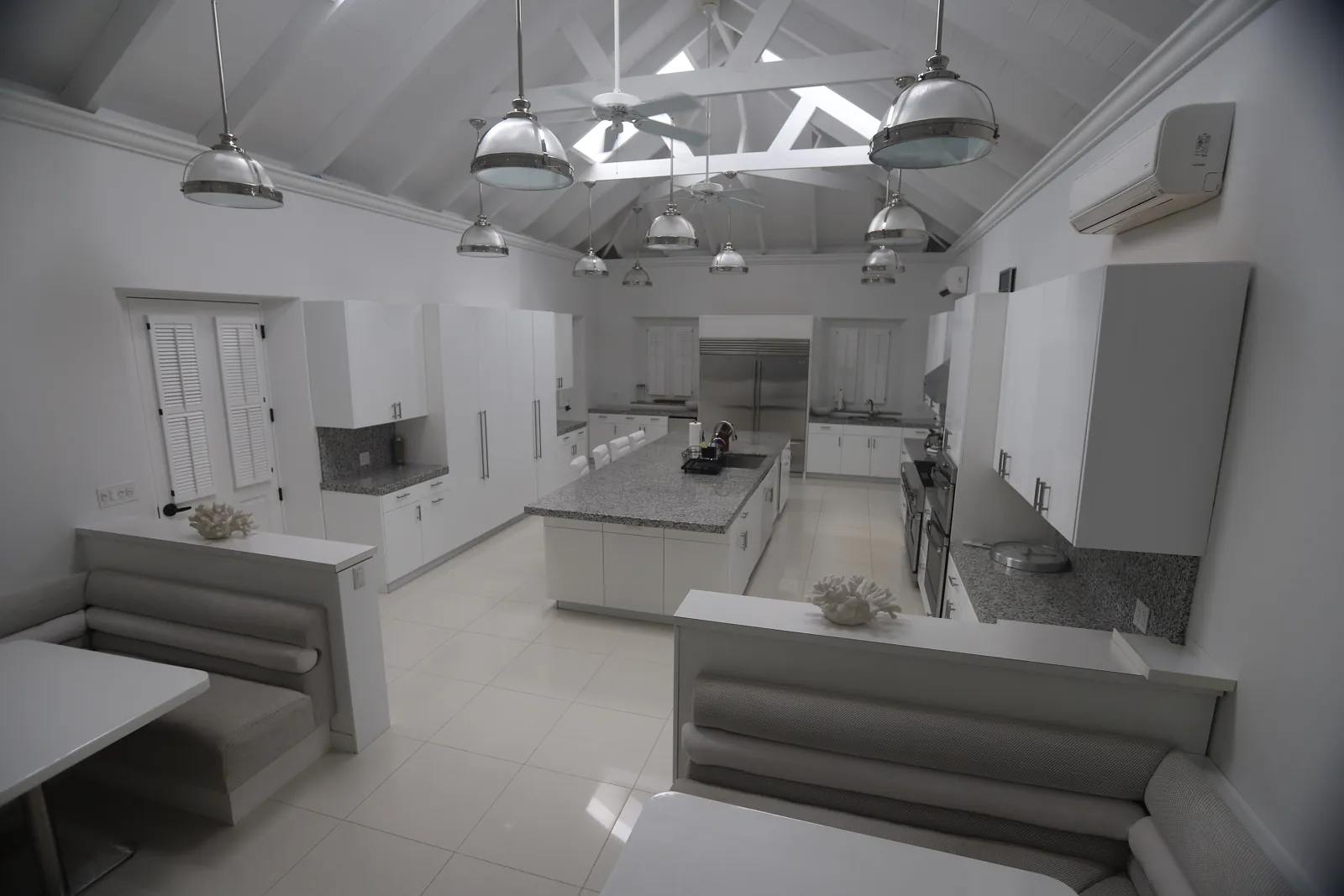
Japandi · Remodel. A real photograph and the render it produced. Same camera, same walls and windows. Drag anywhere to compare.
01
Photograph the room as it is now, dated or unfinished is fine.
02
Choose Renovate and a style. Try a few to see what fits the space.
03
Use the picture to talk with your partner or contractor. It is not a plan, a measurement or a quote.
Rooms remodeled from real photos
See the full gallery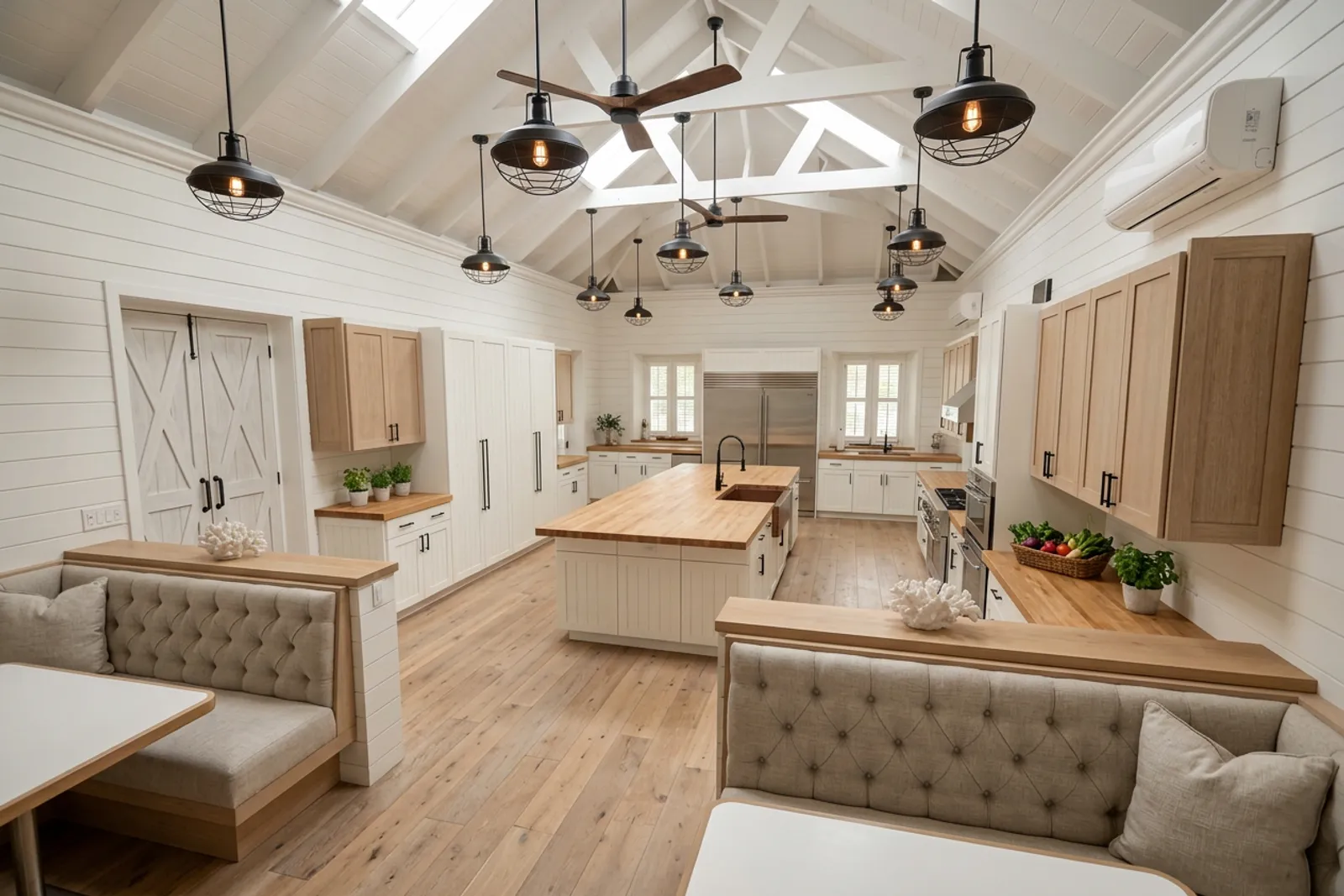
 AfterBefore
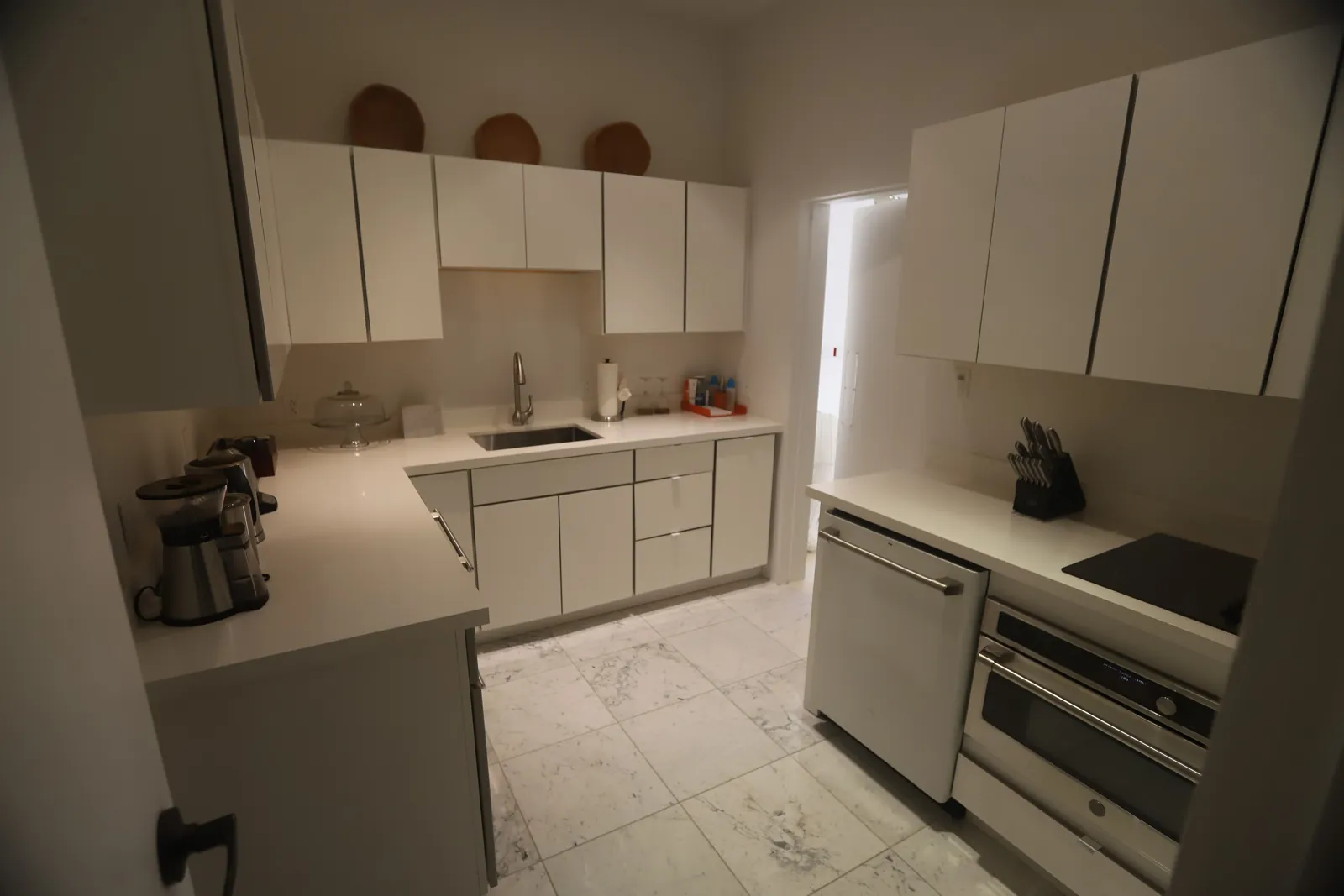
RemodelKitchenModern farmhouse 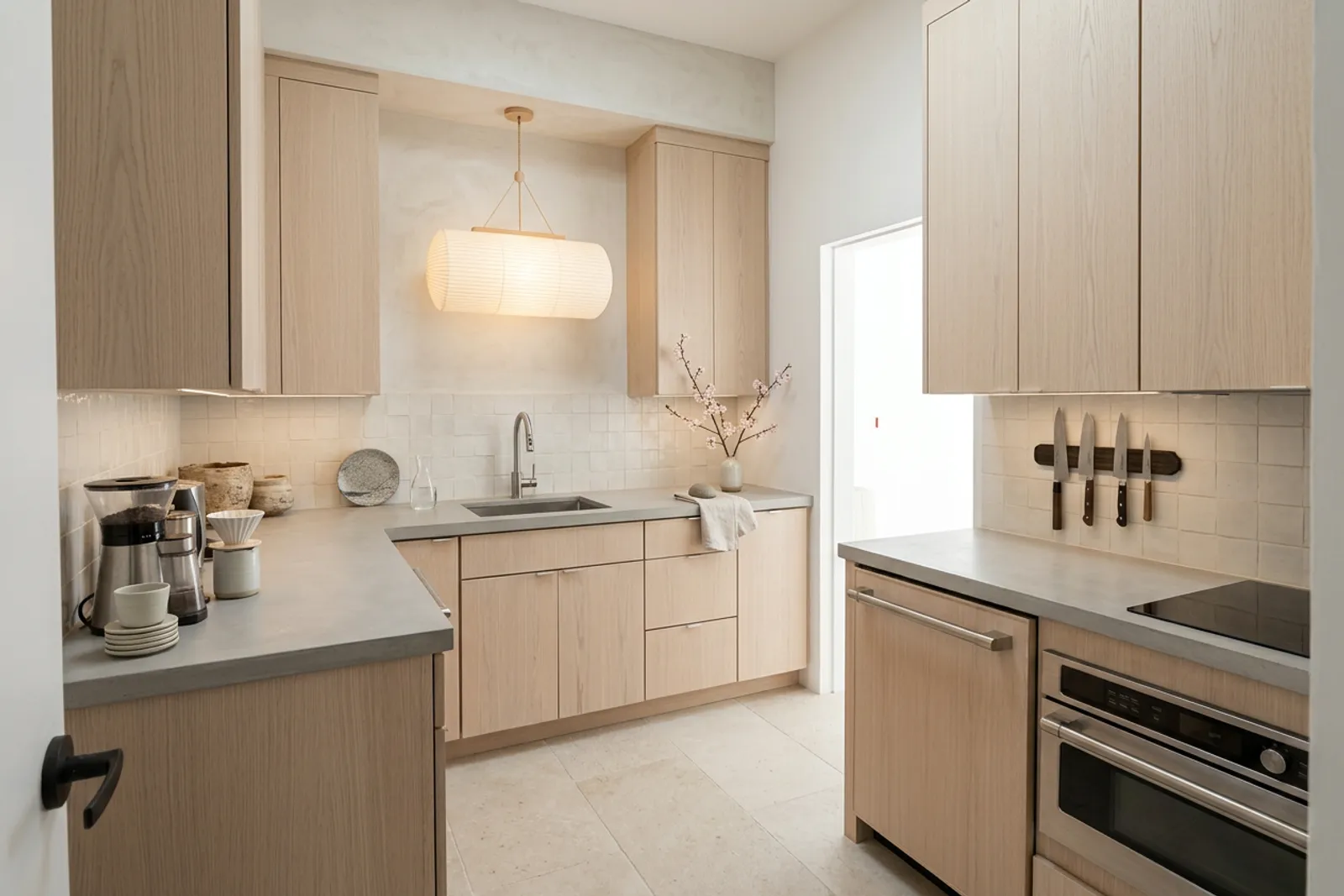
 AfterBefore
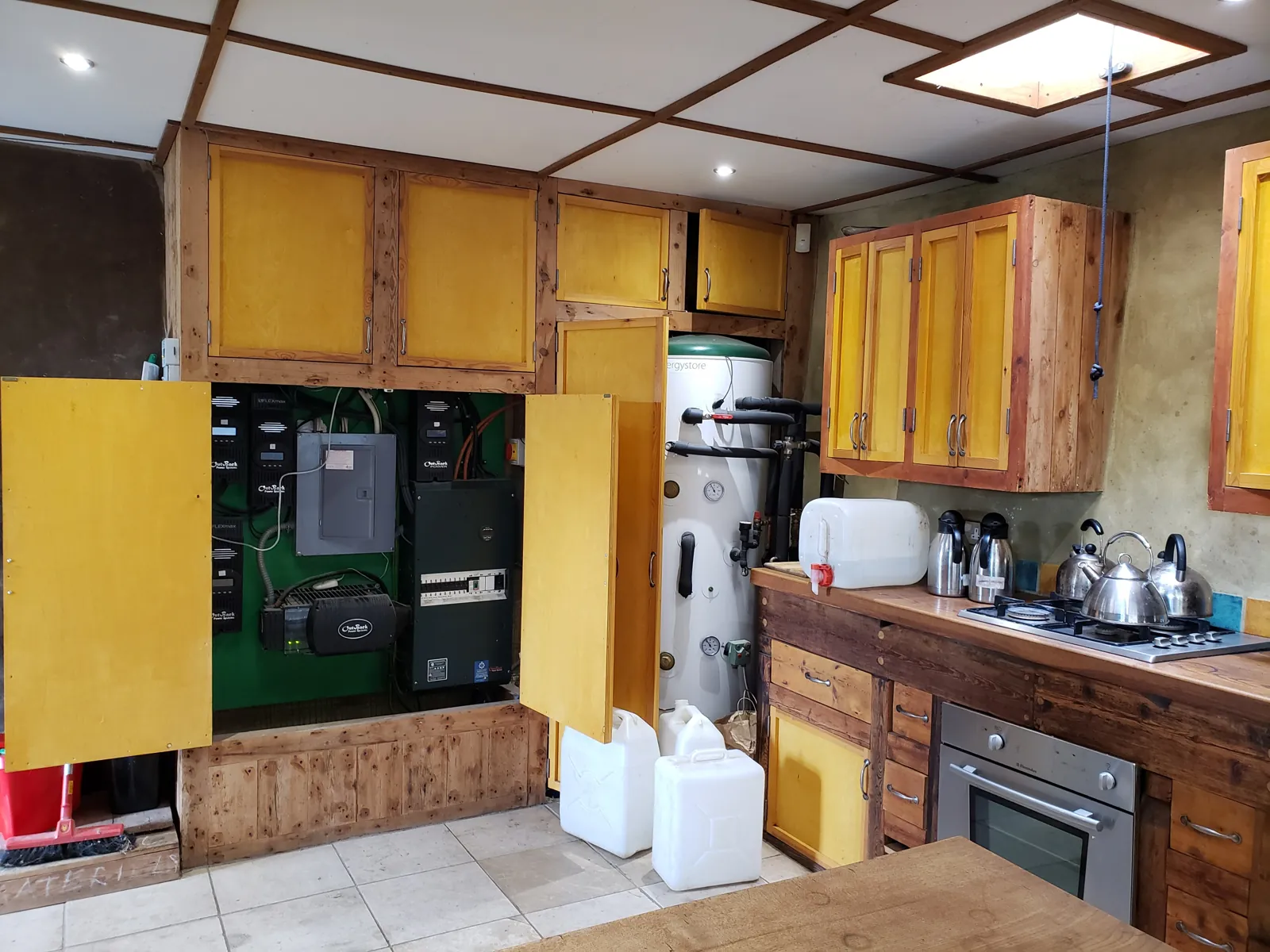
RemodelKitchenJapandi 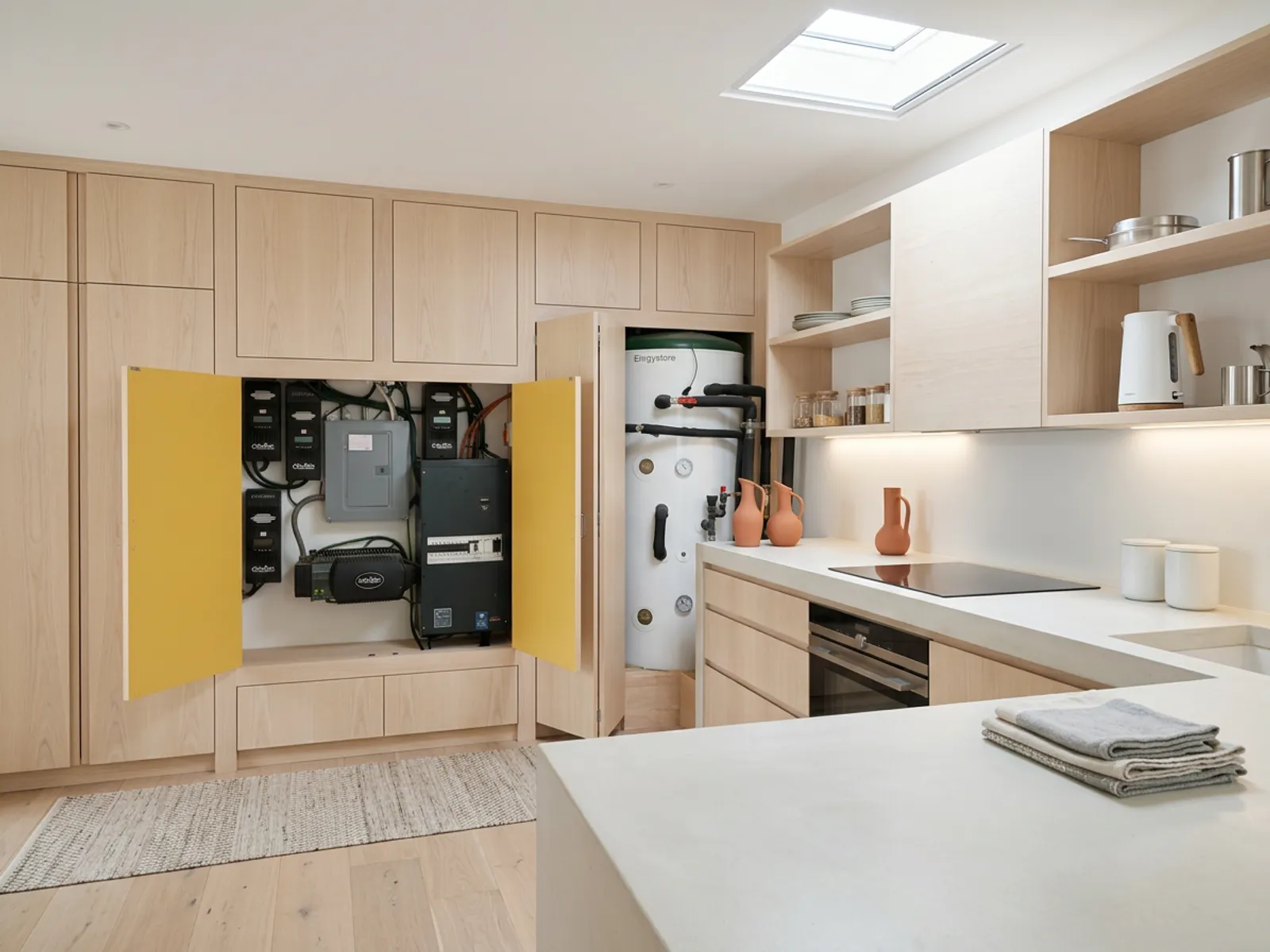
 AfterBefore
RemodelKitchenScandinavian 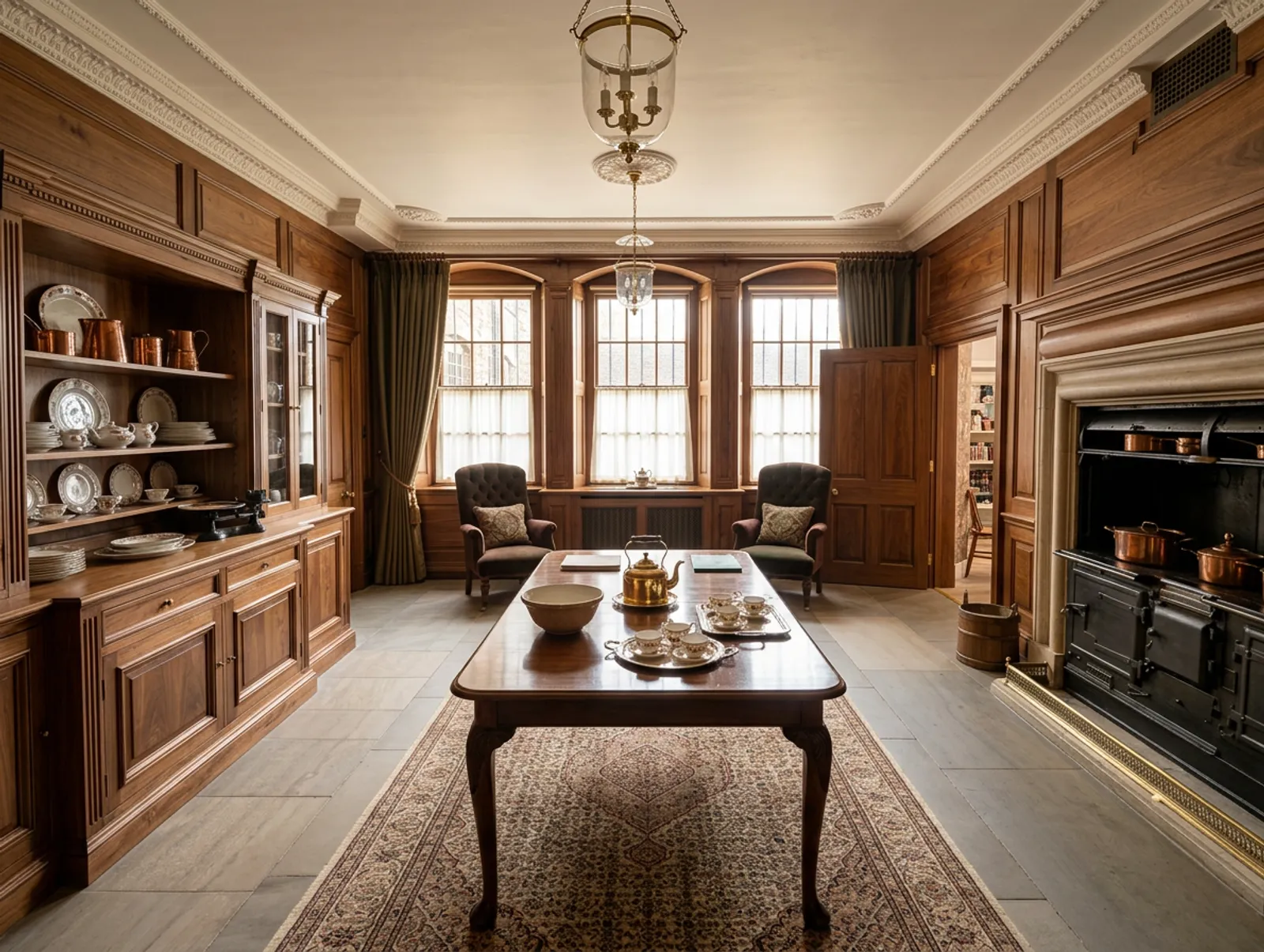
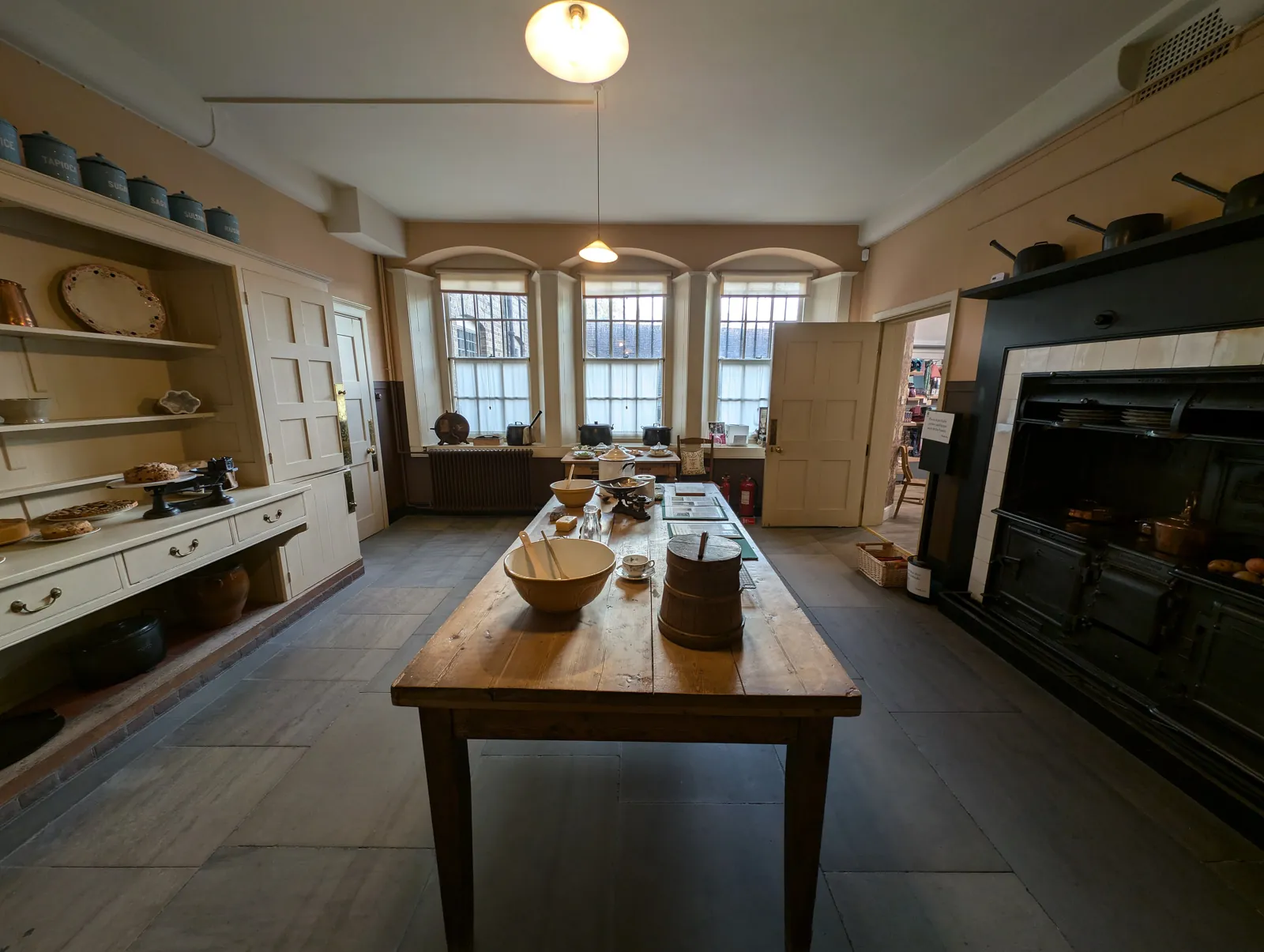 AfterBefore
RemodelKitchenTraditional 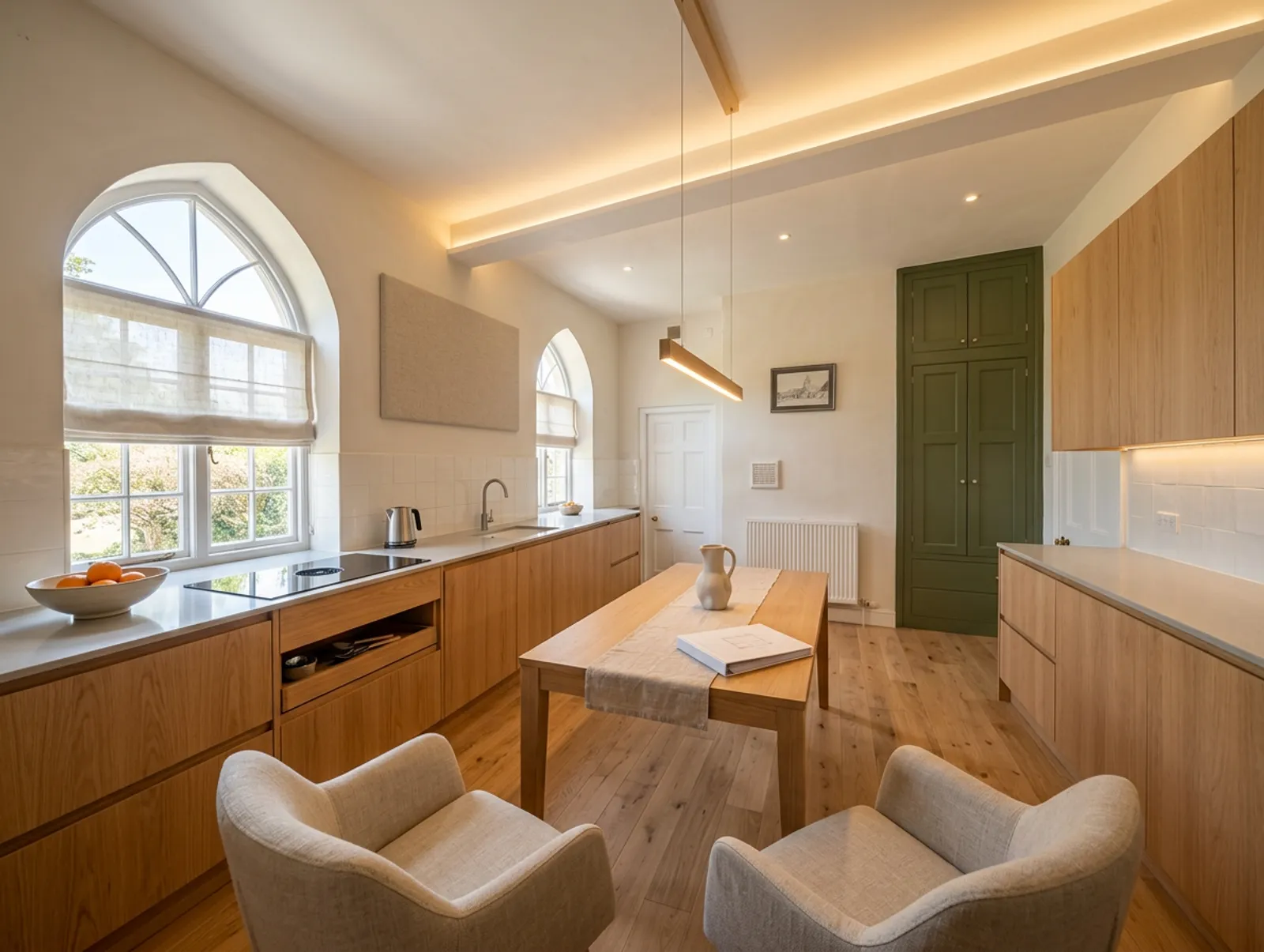
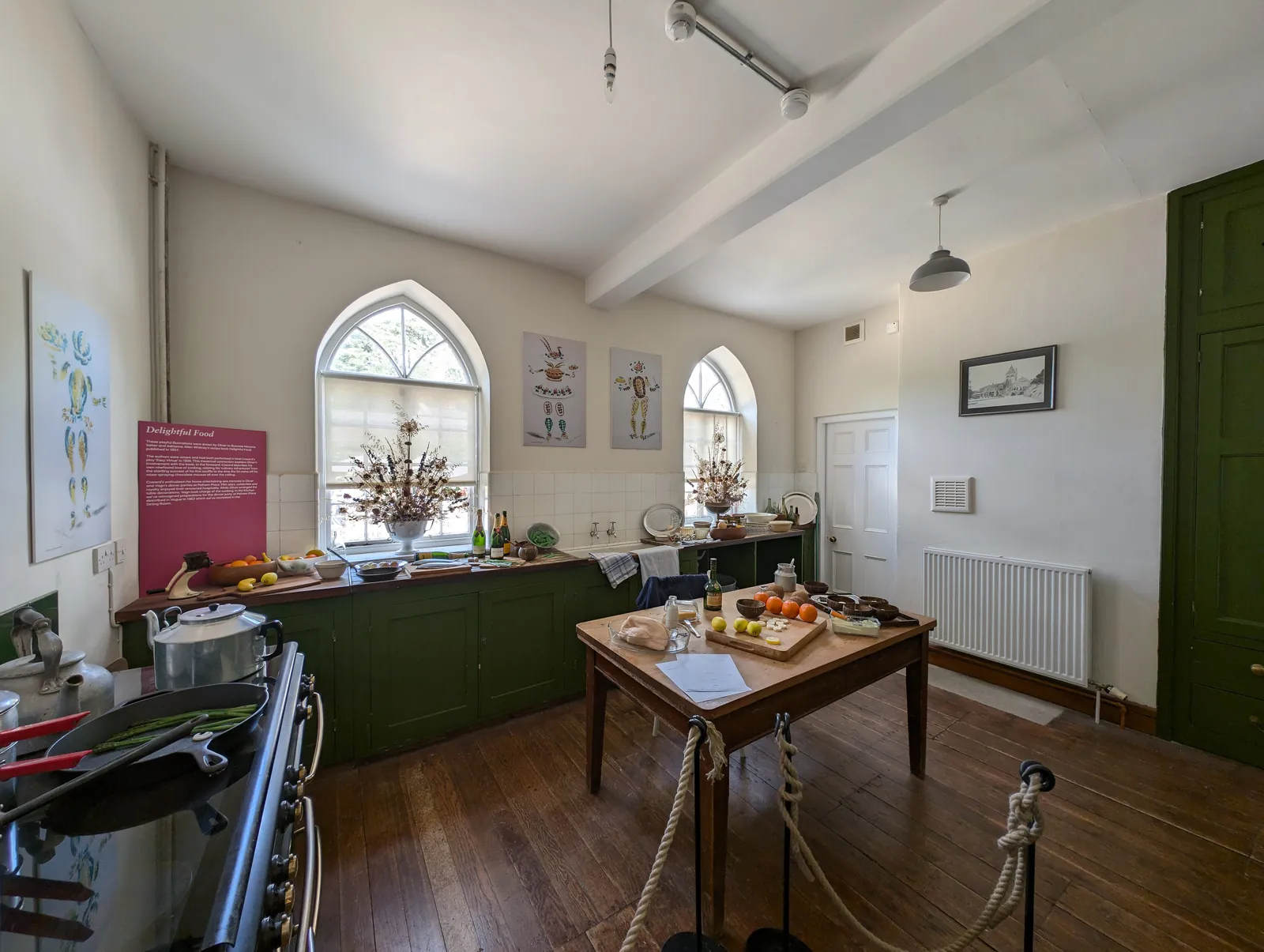 AfterBefore
RemodelKitchenWarm modern 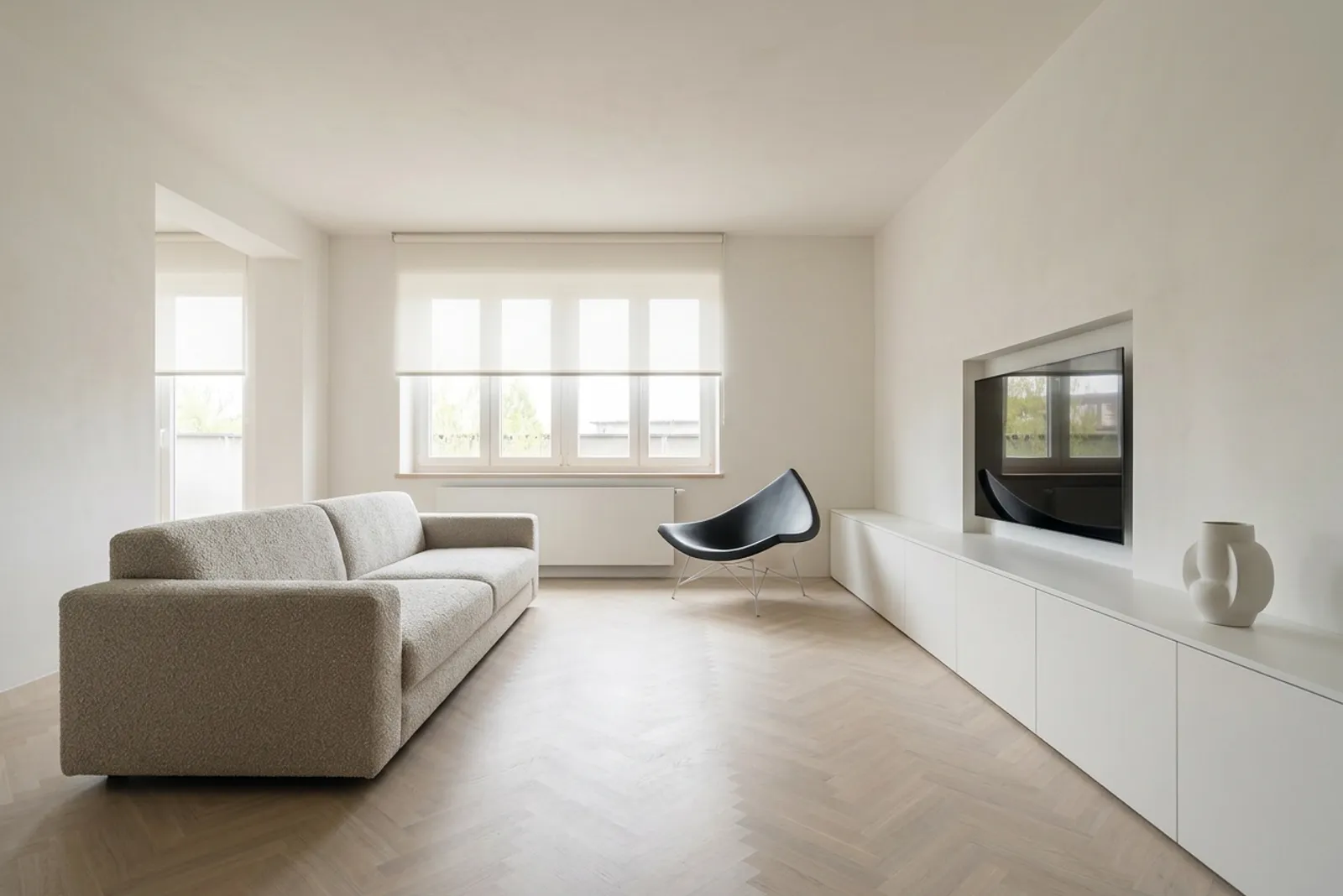
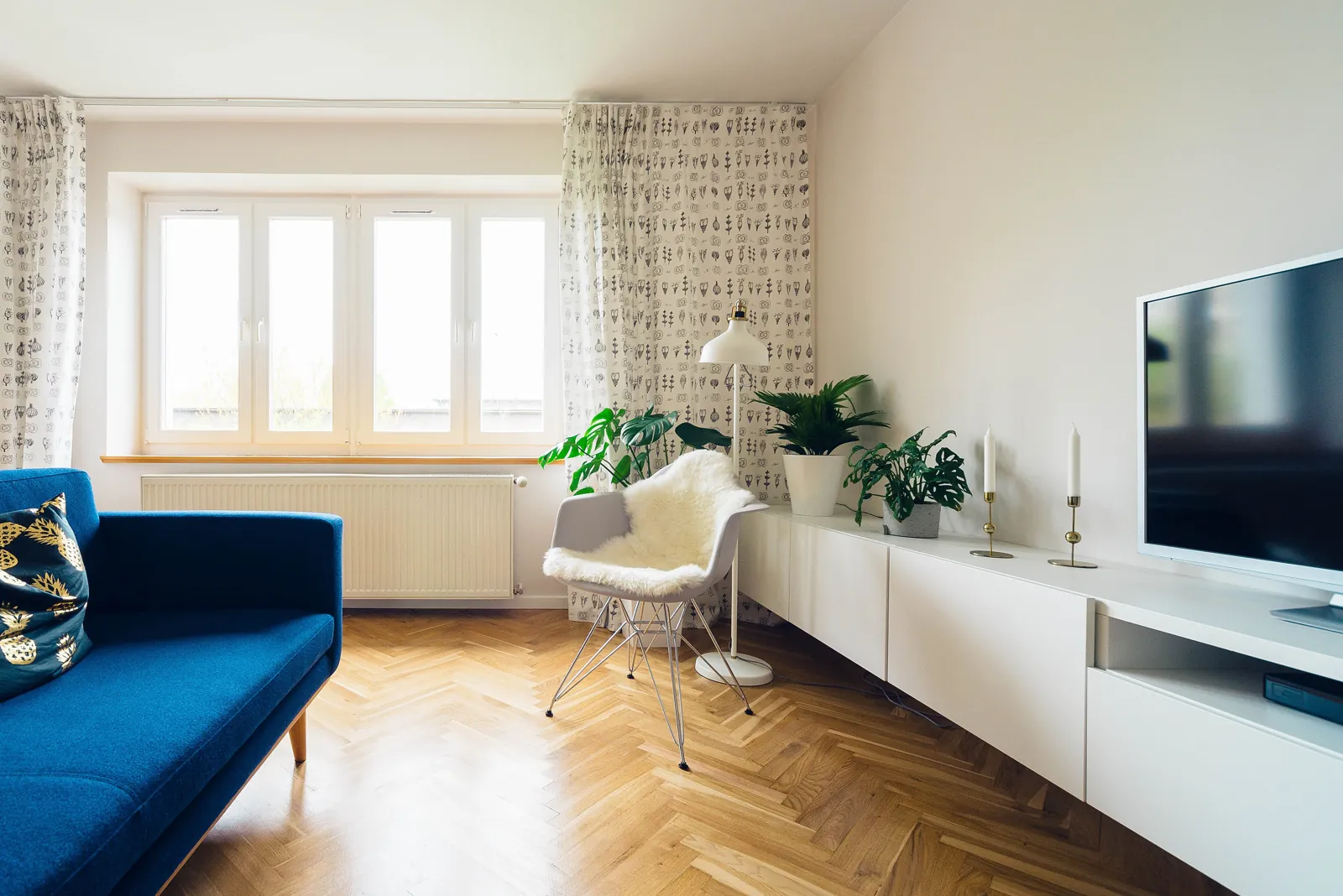 AfterBefore
RemodelLiving roomMinimalist 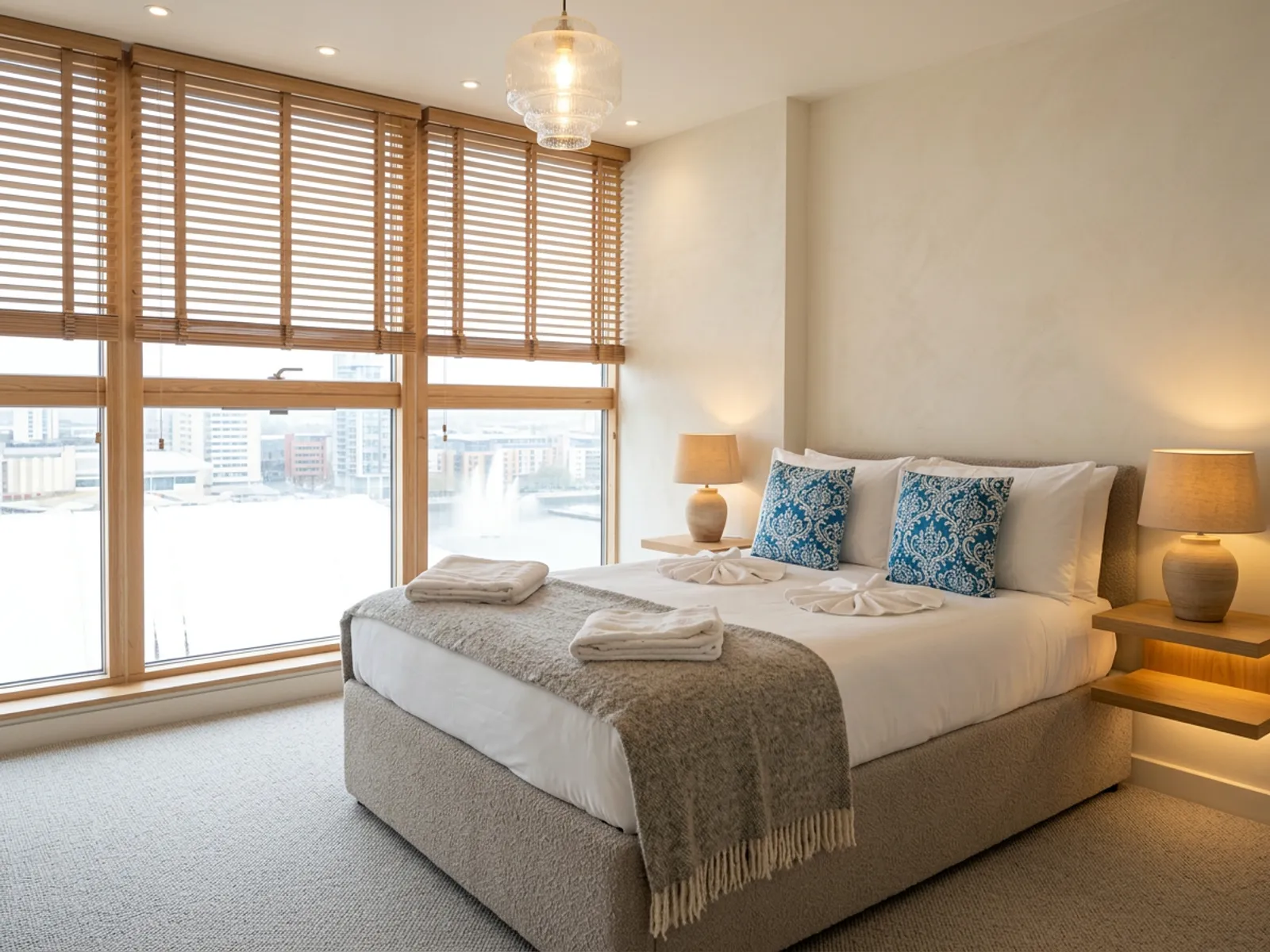
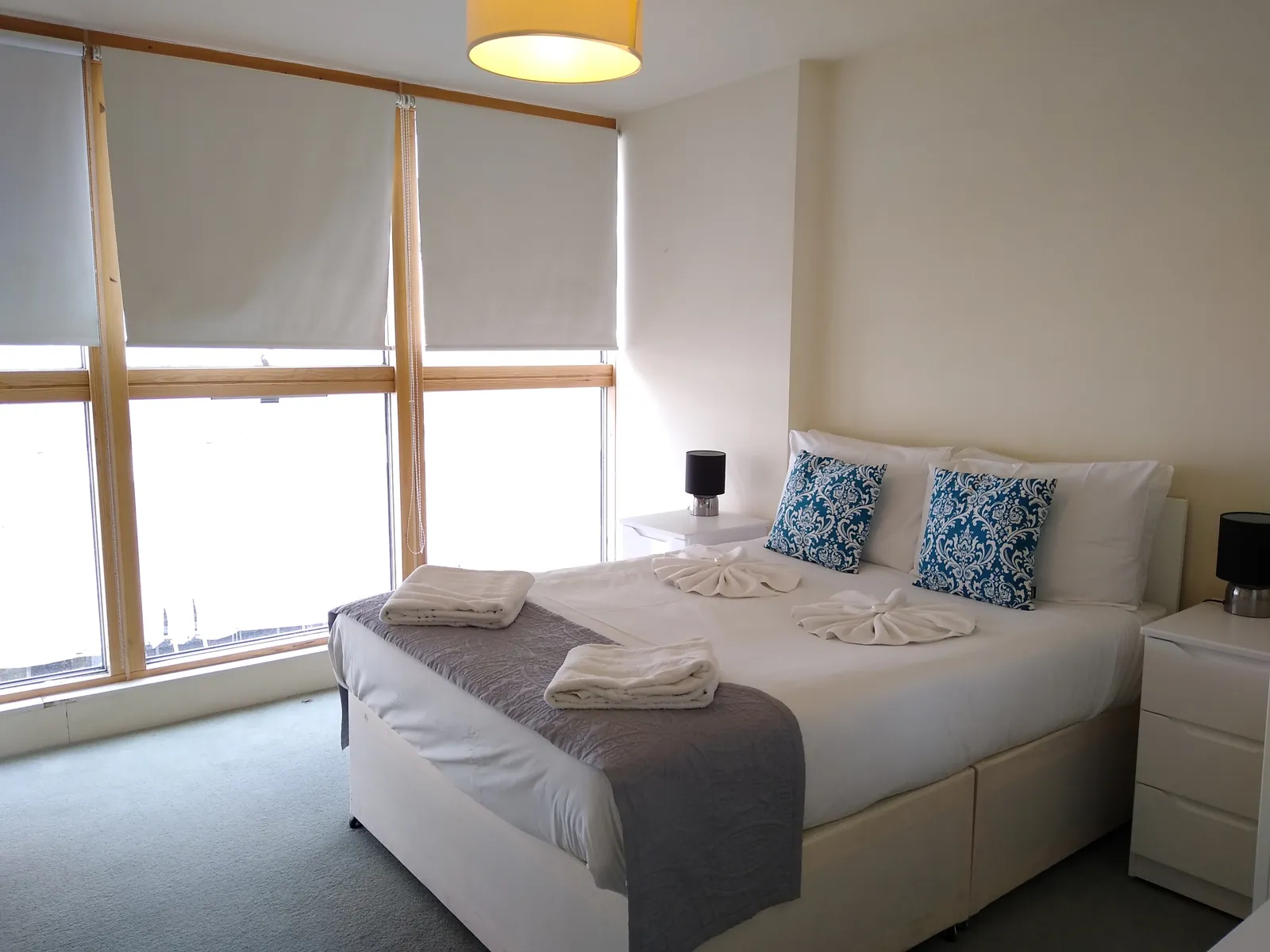 AfterBefore
RemodelBedroomWarm modern 
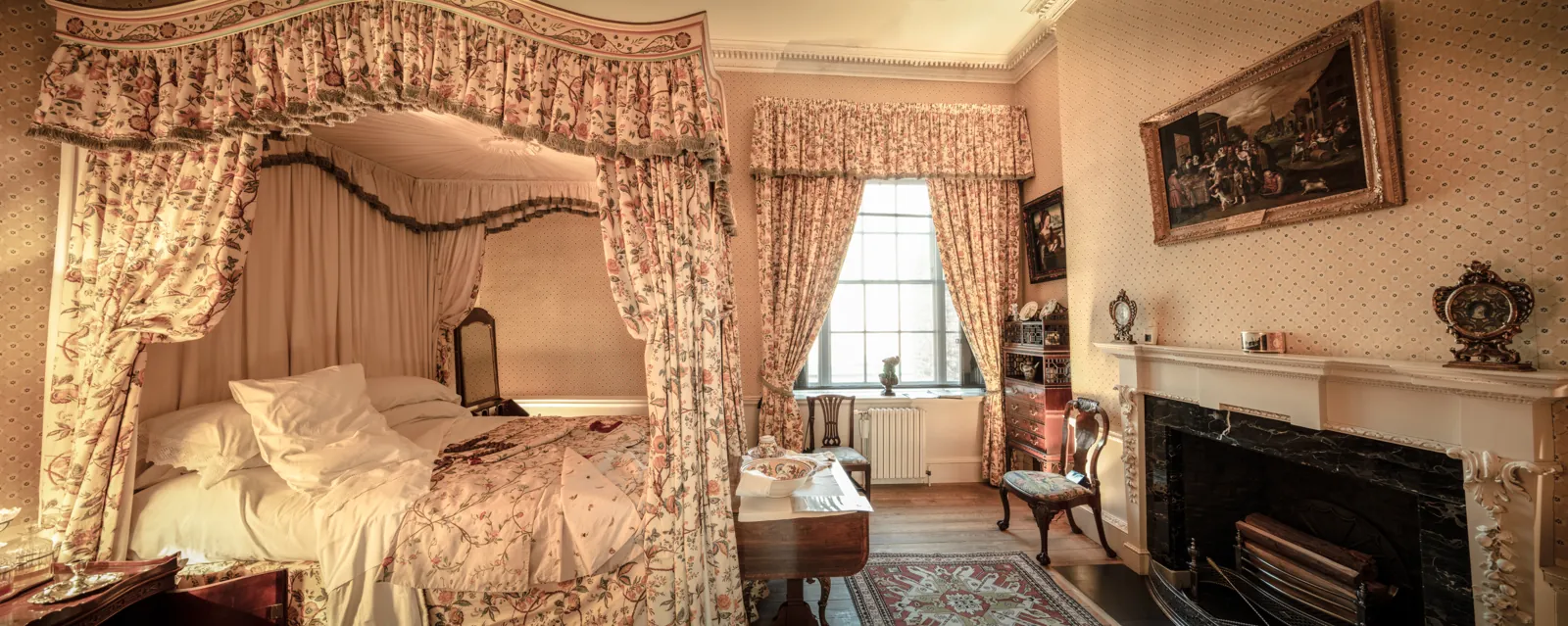 AfterBefore
RemodelBedroomArt Deco 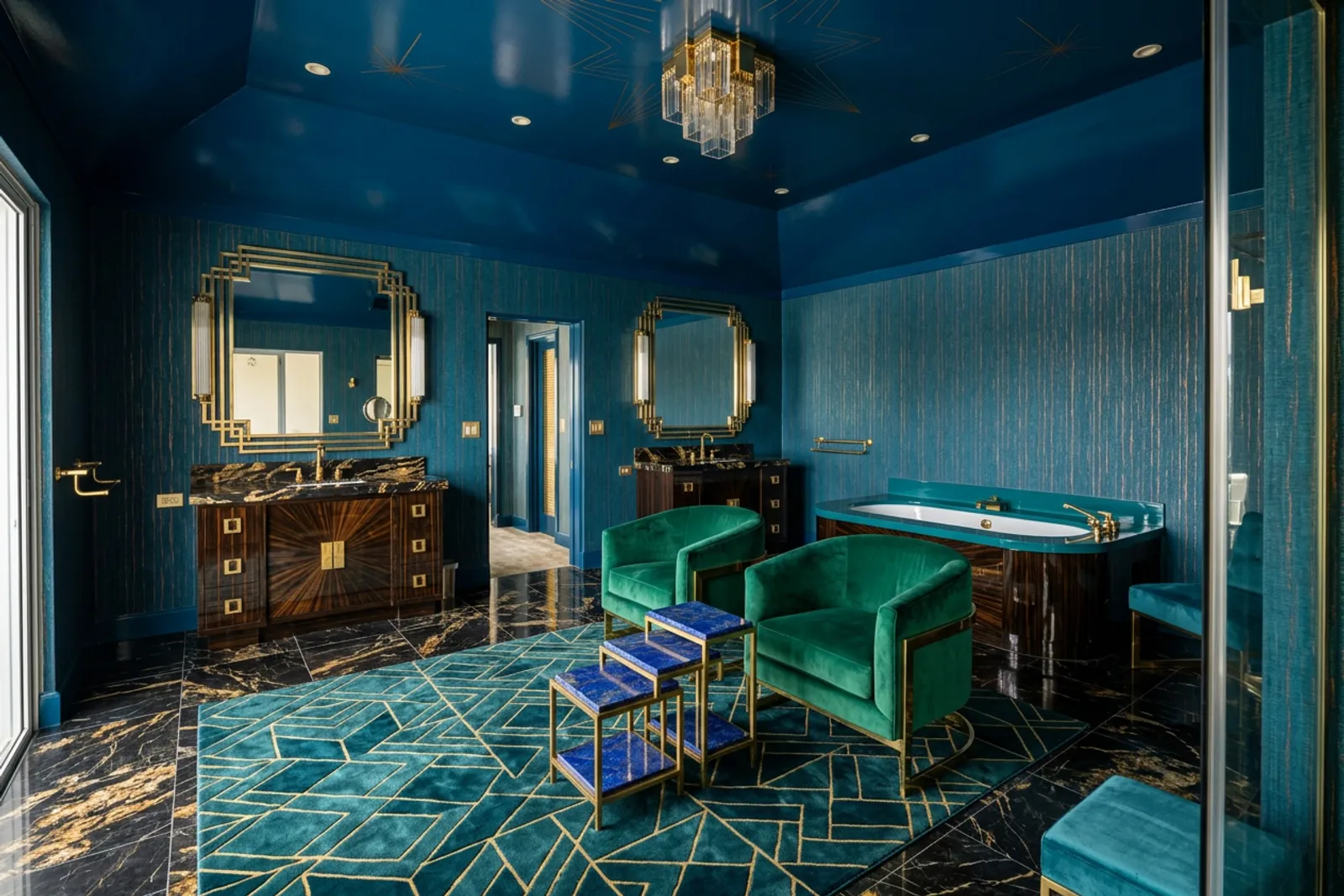
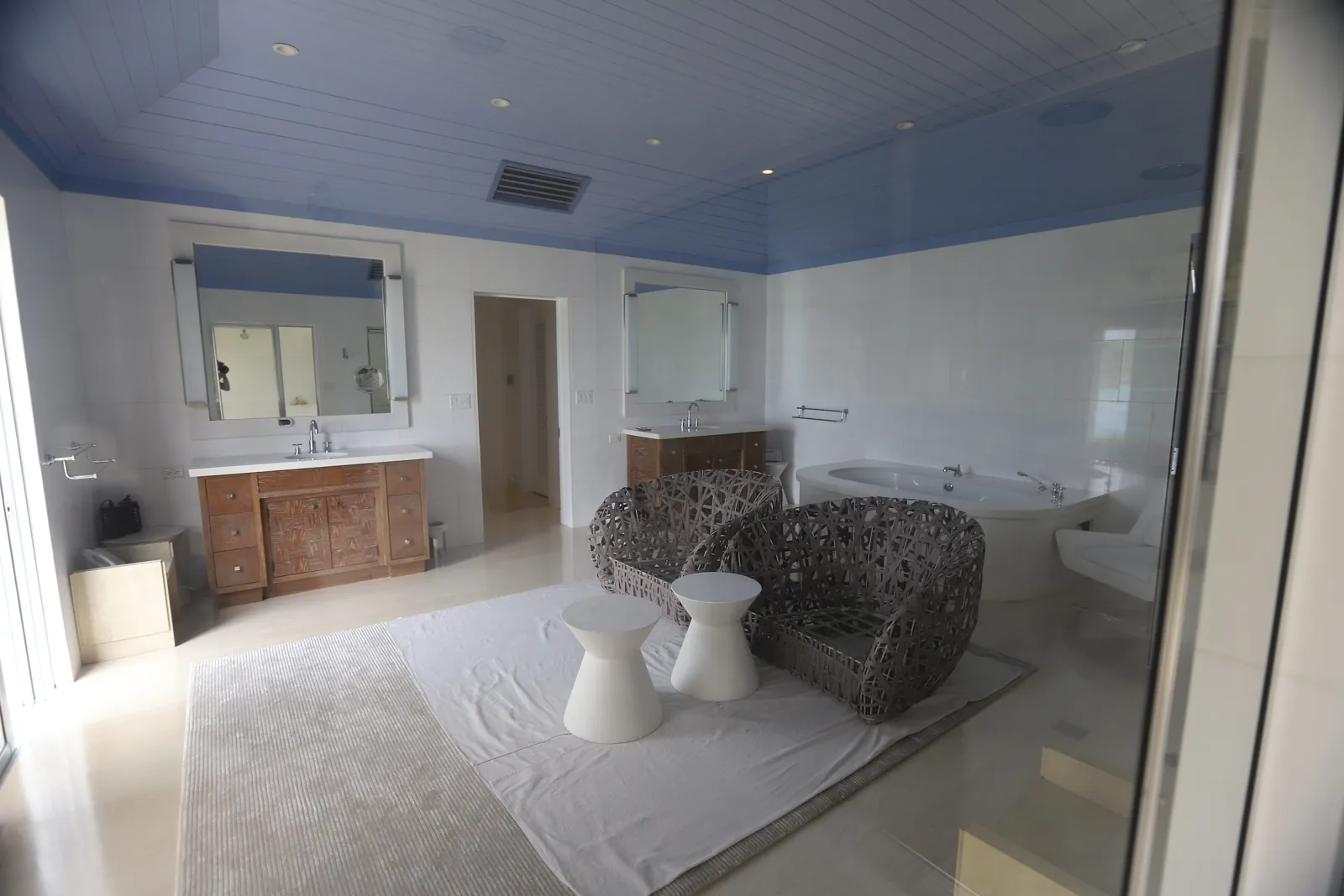 AfterBefore
RemodelBathroomArt Deco - AfterBefore
RemodelBathroomJapandi 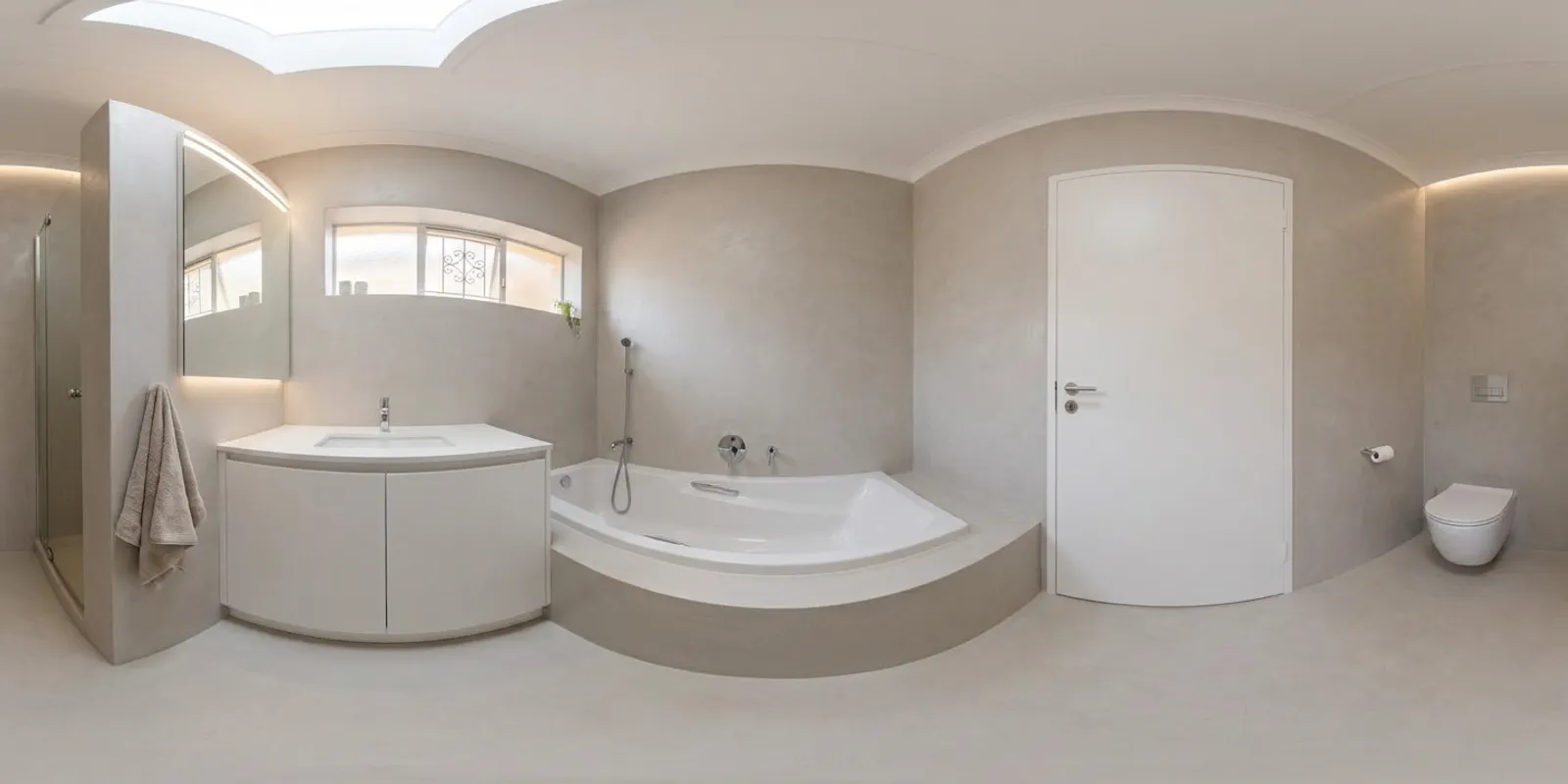
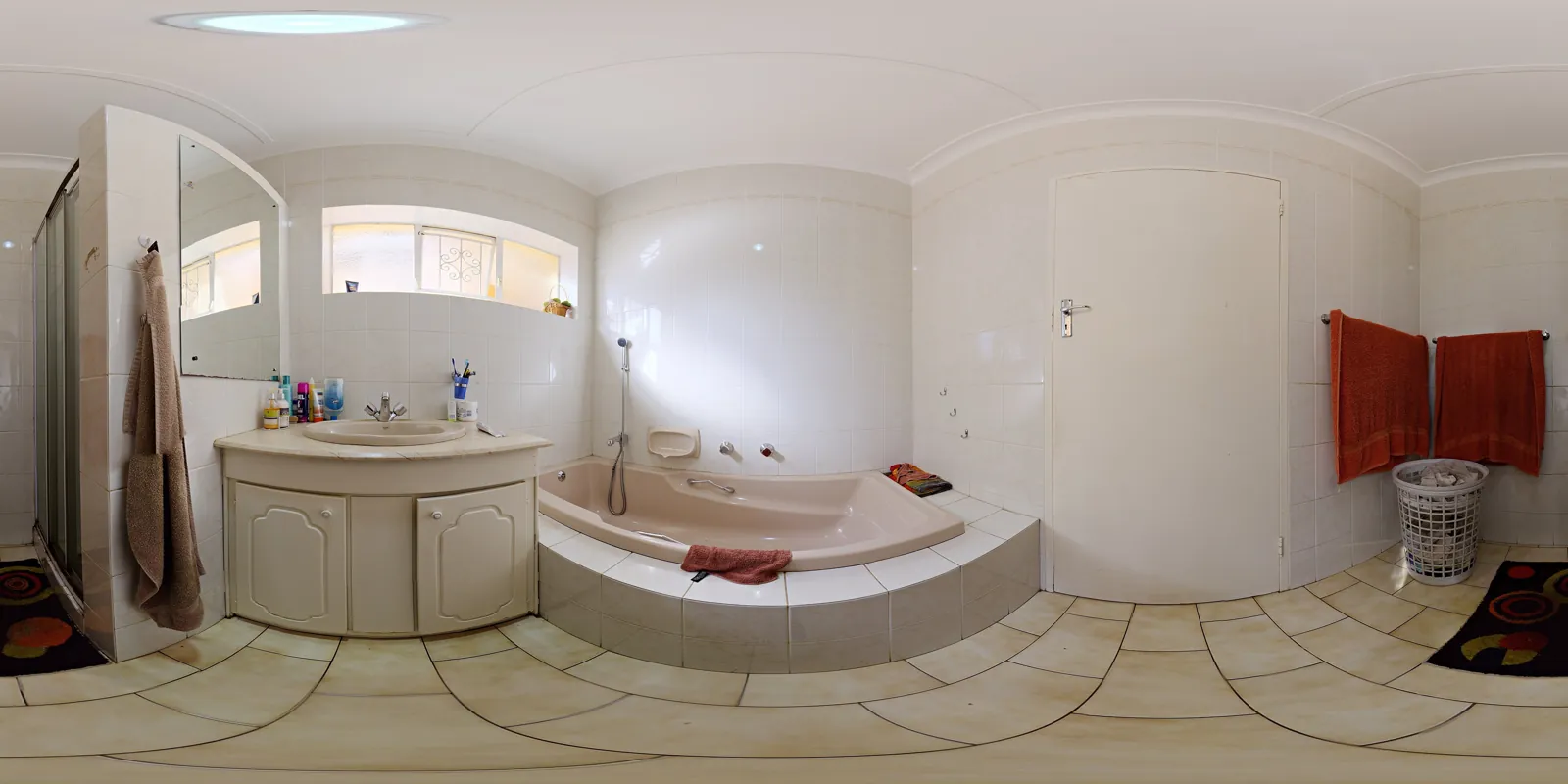 AfterBefore
RemodelBathroomMinimalist 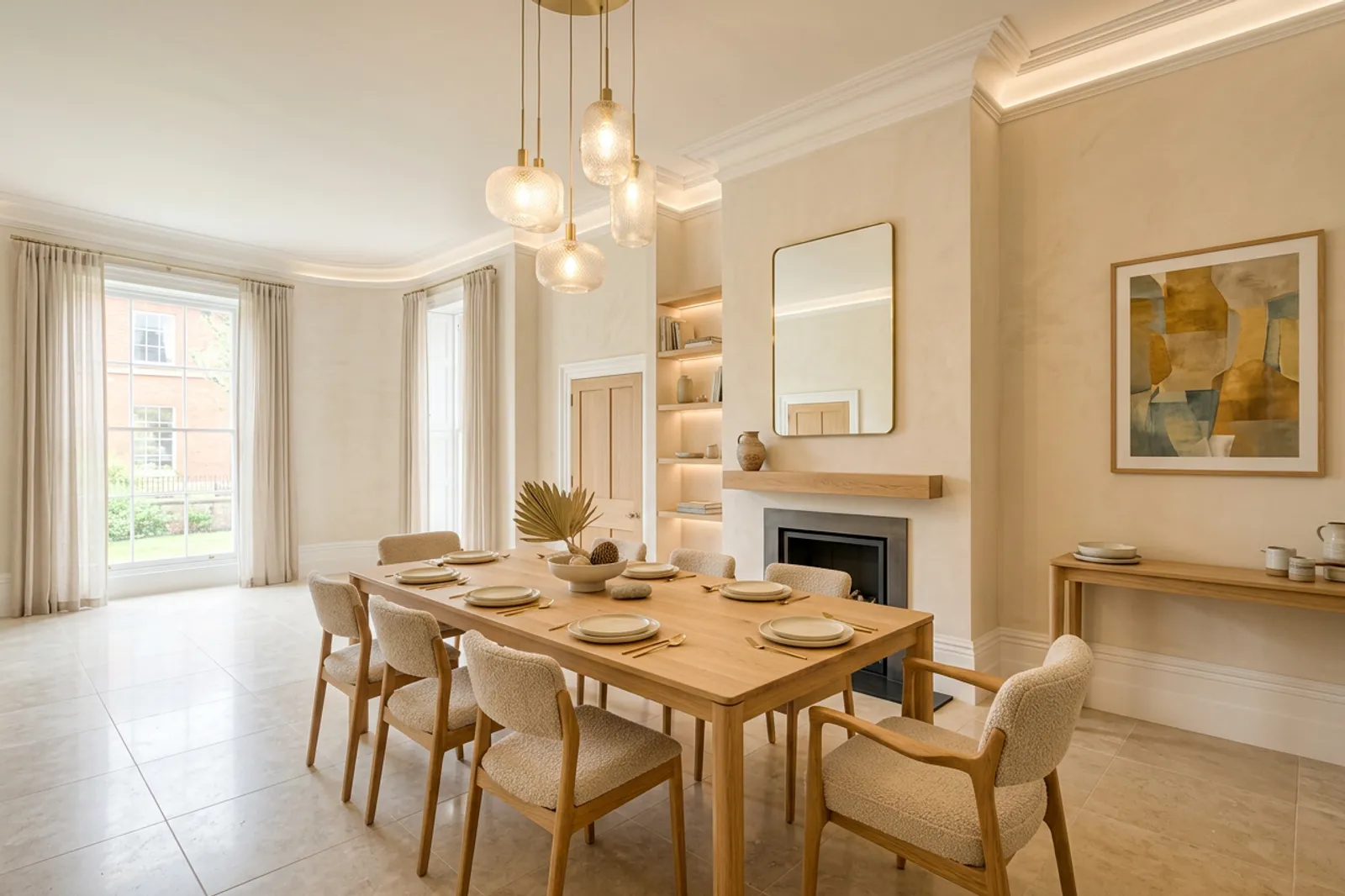
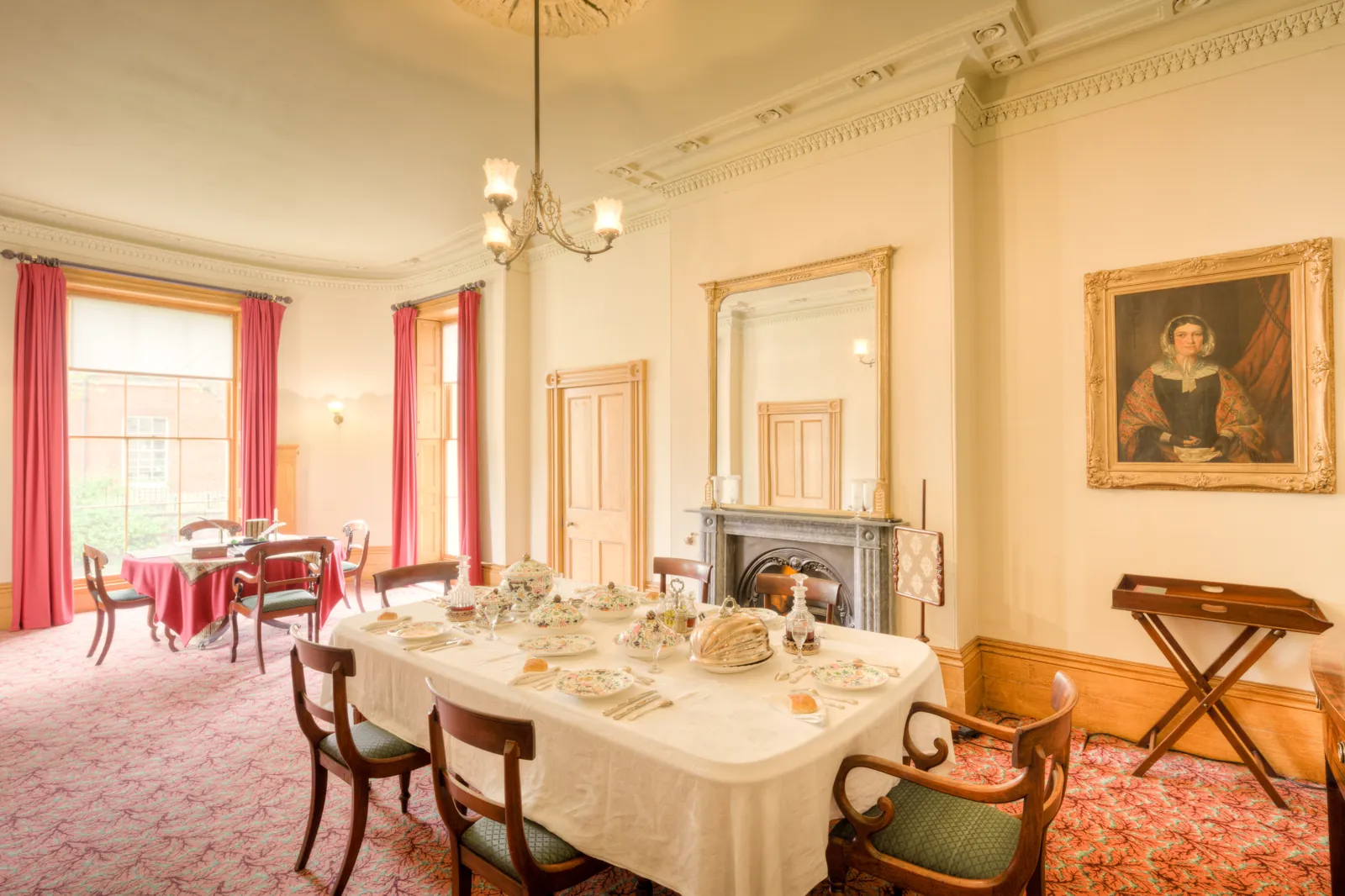 AfterBefore
RemodelDining roomWarm modern
Questions
- What can a remodel preview change?
- Cabinets, counters, flooring, wall finishes, fixtures and non-structural built-ins. It keeps the load-bearing shell and the window and door openings in place.
- Can it give me a cost estimate?
- No. It makes a picture, not a quote. Take the picture to a contractor for pricing.
- Which rooms work?
- Kitchens, bathrooms, basements, bedrooms, living rooms, ADUs and more. Pick the room type before you generate so the result stays the same kind of room.
- How much is it?
- Your first render is free. Then packs start at $9 for 20 renders. A render that fails gives its credit back.
1 free render. Then 45¢ on the smallest pack.
One credit is one render: staging, remodel or restyle. Packs are one-time, credits do not expire, and there is no subscription. A render that fails gives its credit back.
See the credit packsRelated pages
- KitchenPreview new cabinets, counters and floors from a photo of the one you have.
- BathroomPreview a remodeled bathroom before anyone opens a wall.
- BasementSee an unfinished basement finished before you frame a wall.
- ADUSee a garage, basement or backyard unit as a finished ADU.
- Bathroom remodel ideasLayouts, tile, lighting and storage ideas with real before and afters.