Free AI room design
Free AI room design from a photo of your room.
Upload one photo of a room, pick a style, and PropertySavvy AI shows the same room staged, restyled or renovated in about 15 seconds. It works in your browser on a phone or computer, with nothing to install. Your first render is free.
Your first render is free. Then from $9.
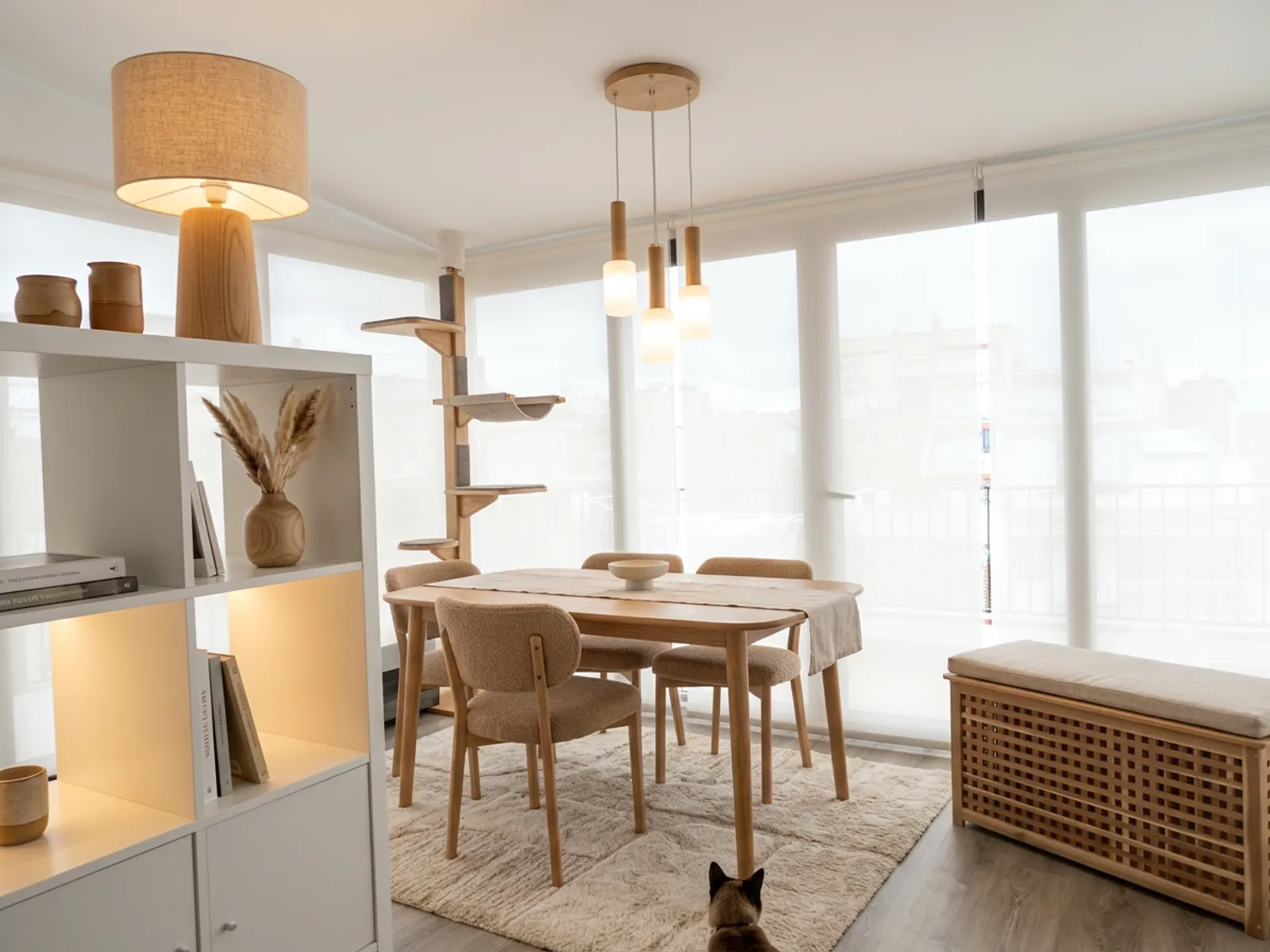
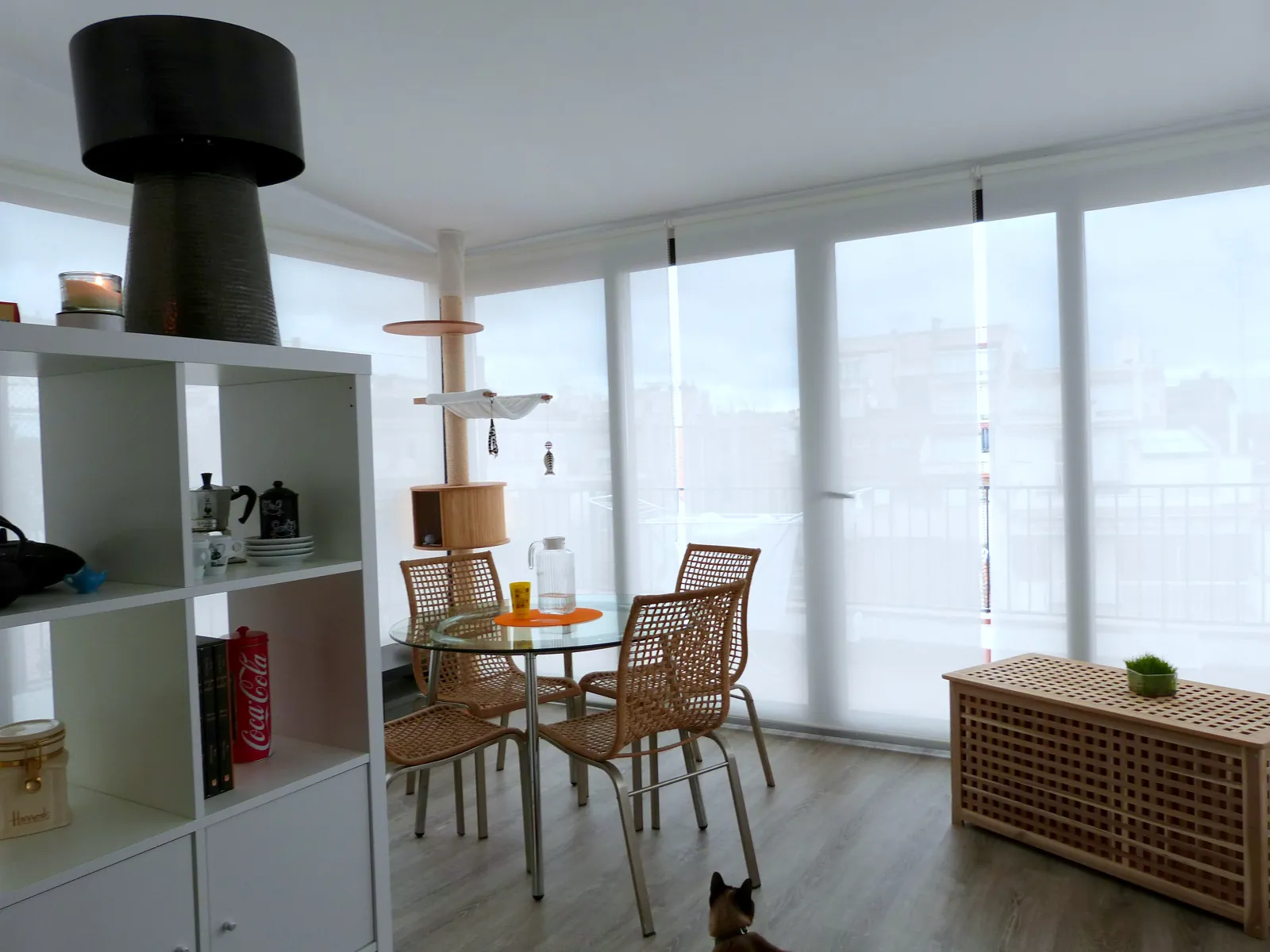
Warm modern · Staging. A real photograph and the render it produced. Same camera, same walls and windows. Drag anywhere to compare.
01
Take one photo of the room, level and in daylight if you can, and upload it.
02
Choose a job (stage, restyle, renovate or empty), then a style and an optional color palette.
03
Get a photoreal render of the same room in about 15 seconds. Drag to compare, then try another style.
Which rooms it can design
Living rooms and bedrooms
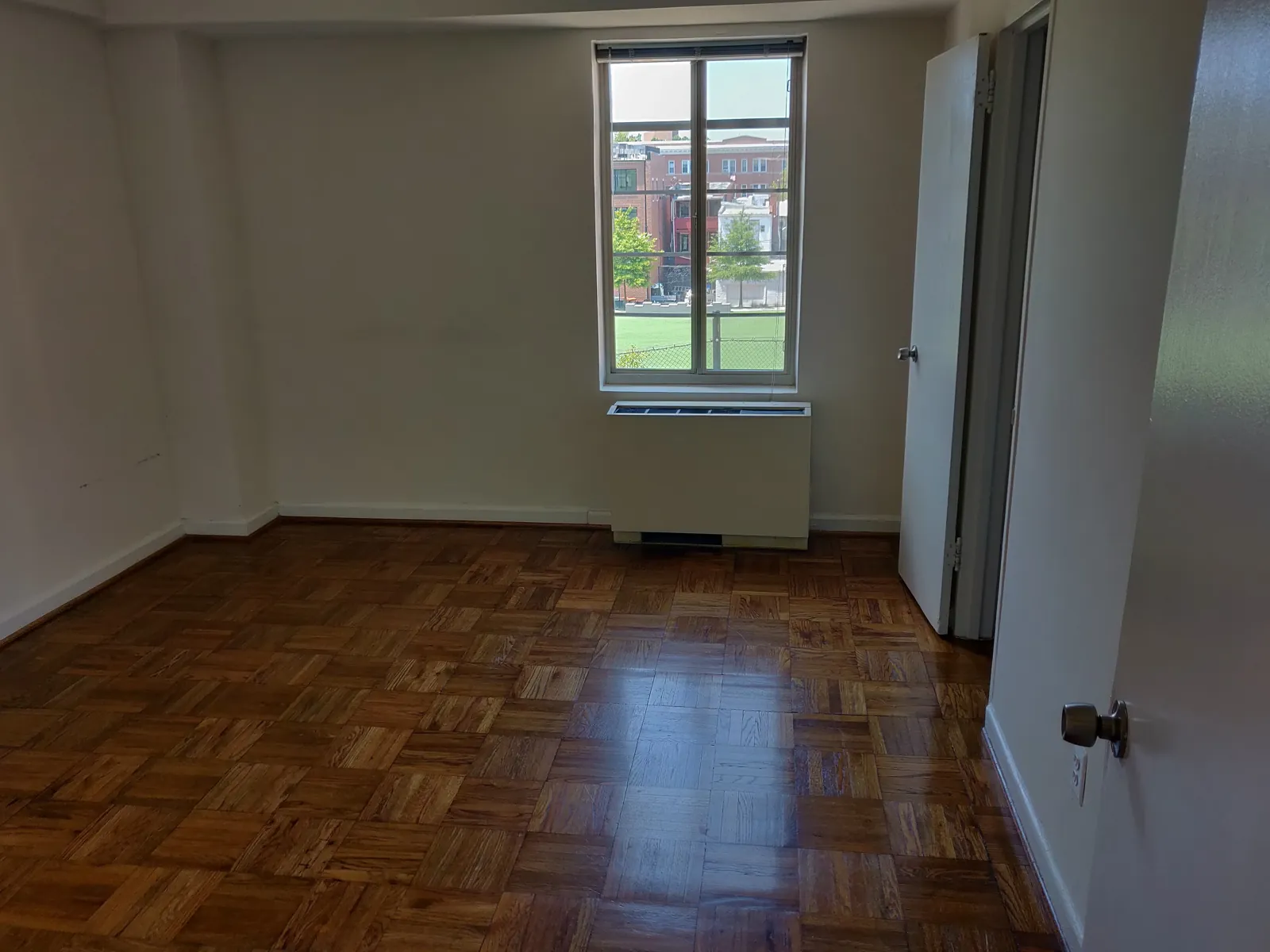
Stage an empty room, or restyle the furniture, rugs, lighting and paint in one you live in.
Kitchens and bathrooms
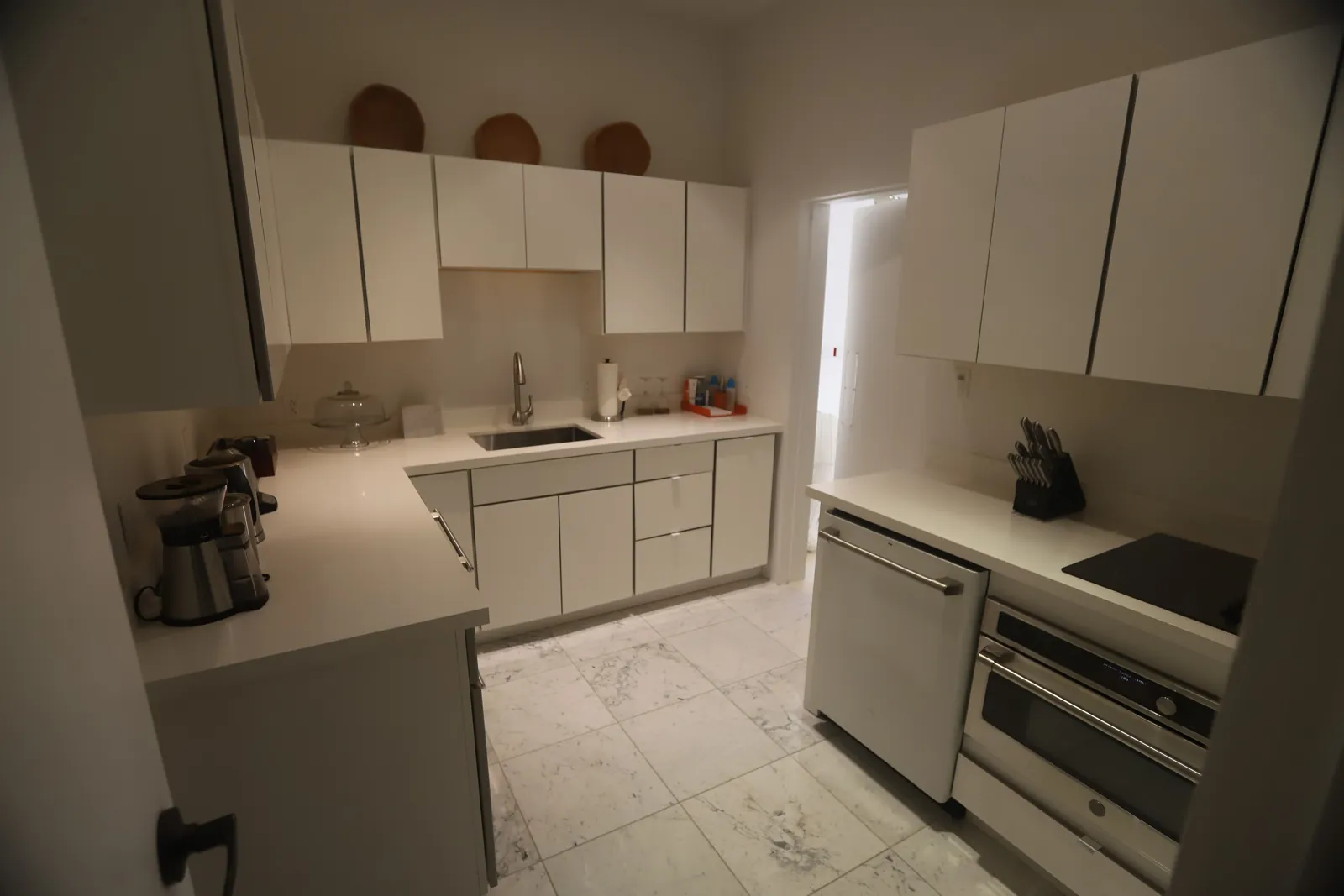
Try new cabinets, counters, tile, fixtures and floors on the room you have before you price anything.
Dining rooms, offices and entryways
Smaller rooms work the same way: one photo, one style, one render.
Basements and ADUs
See an unfinished space as a finished one, from a photo of it as it is today.
The outside of a Home
Try new siding, paint, a porch or a yard on a photo of the front or back.
What it keeps
- The camera angle. The render is the same photo, not a new 3D view.
- Walls, windows and doors, in the same place and the same size.
- The shape of the room, so a small room still looks like a small room.
What it will not do
- It is a picture, not a floor plan or a shopping list. Products in the render are not real items you can order.
- It does not move walls or change the size of a room. For that you still need a designer or a contractor.
- Dark, blurry or very wide-angle photos give weaker results. A level photo in daylight works best.
- Some renders miss. Try again or change the style; a render that fails gives its credit back.
Rooms designed with PropertySavvy AI
See the full gallery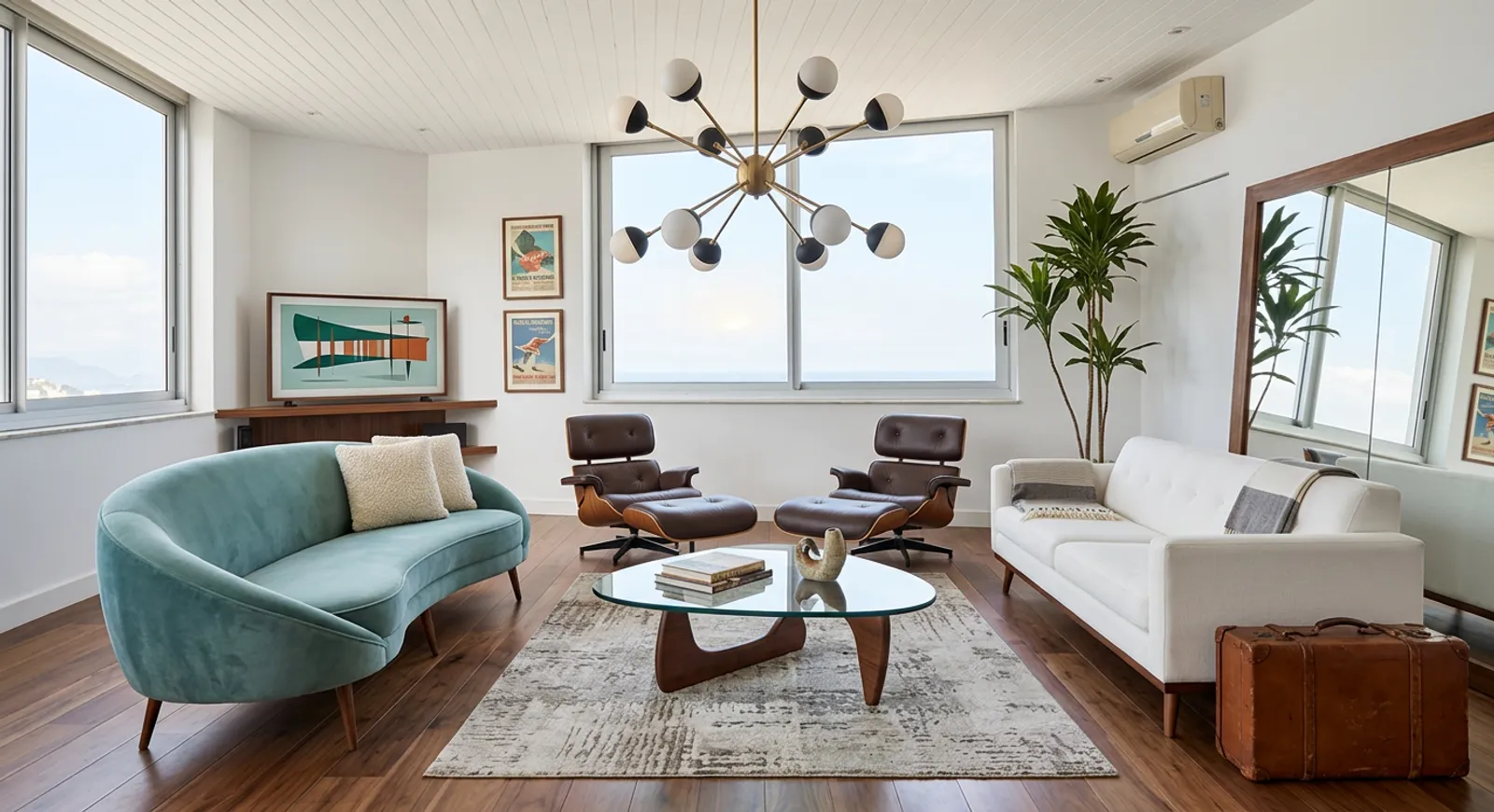
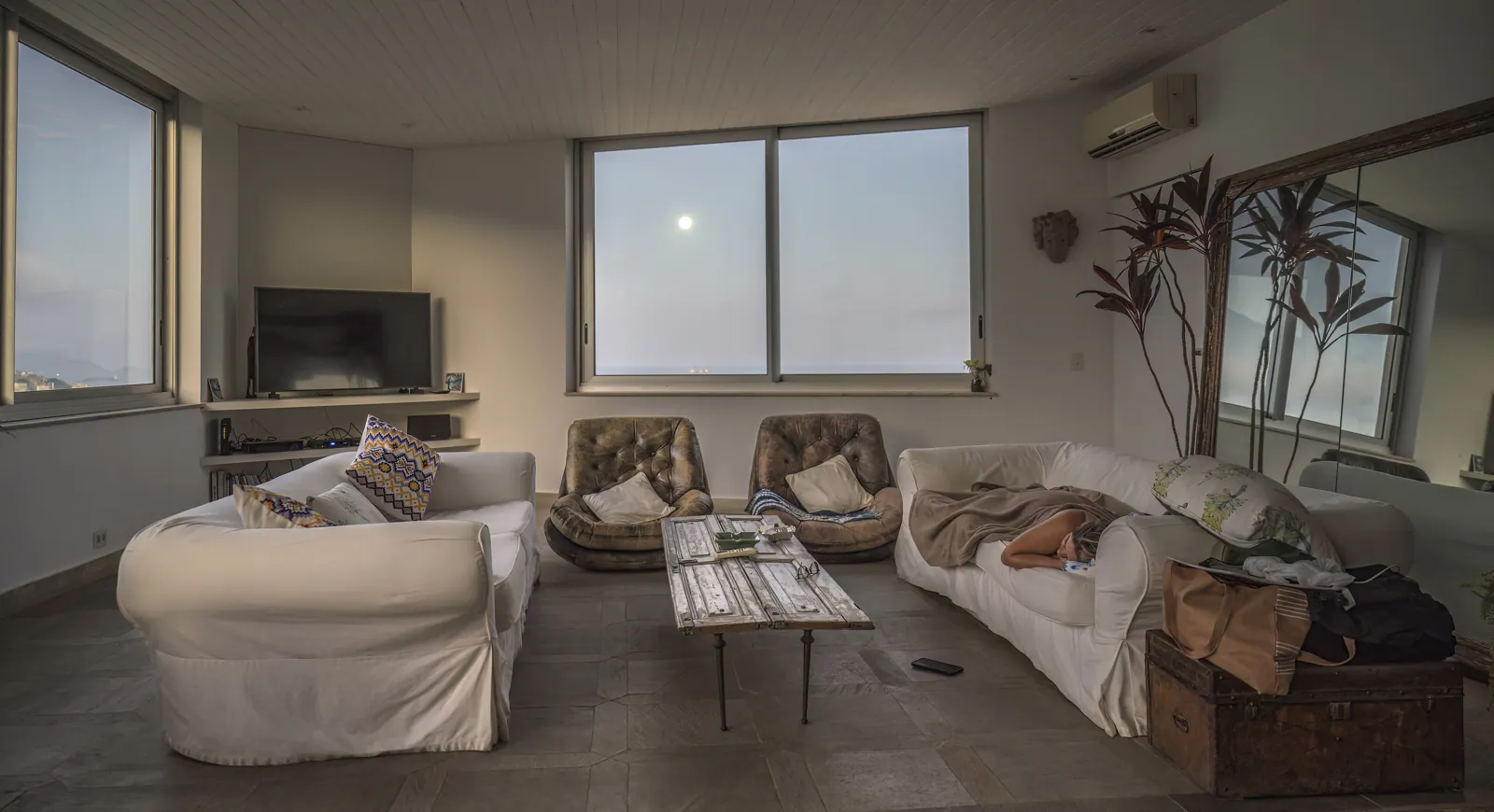 AfterBefore
RestyleLiving roomMid-century 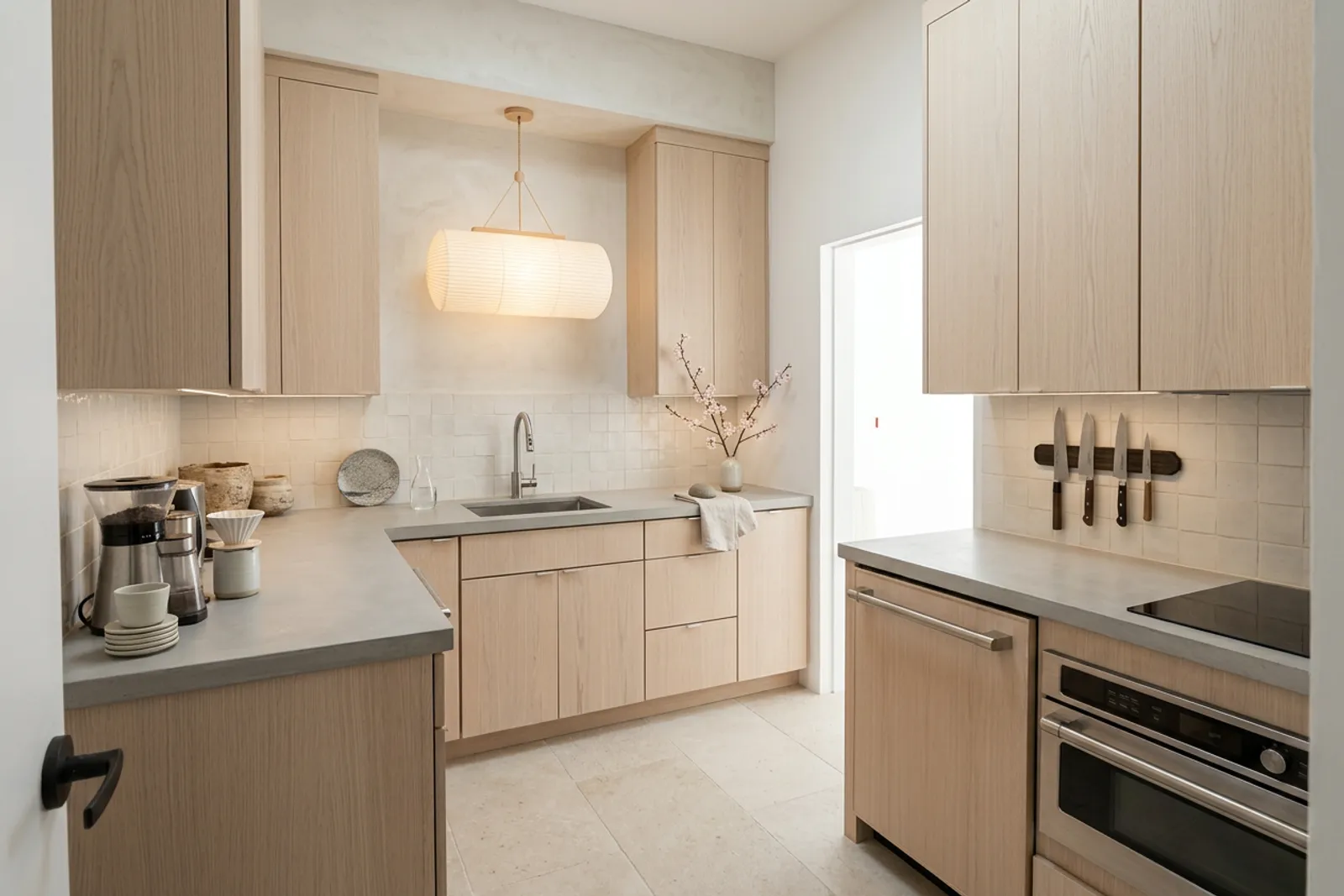
 AfterBefore
RemodelKitchenJapandi 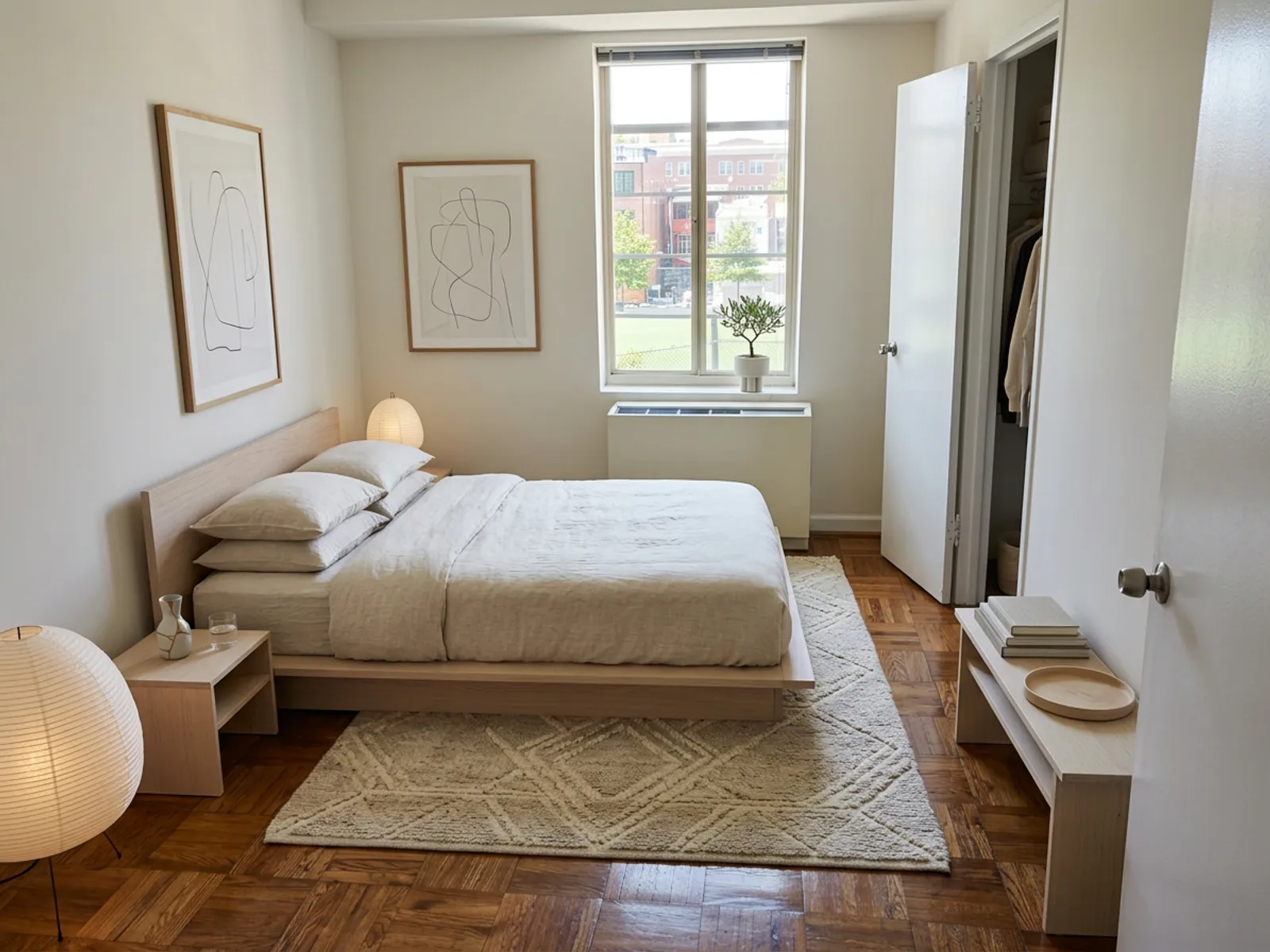
 AfterBefore
StagingBedroomJapandi 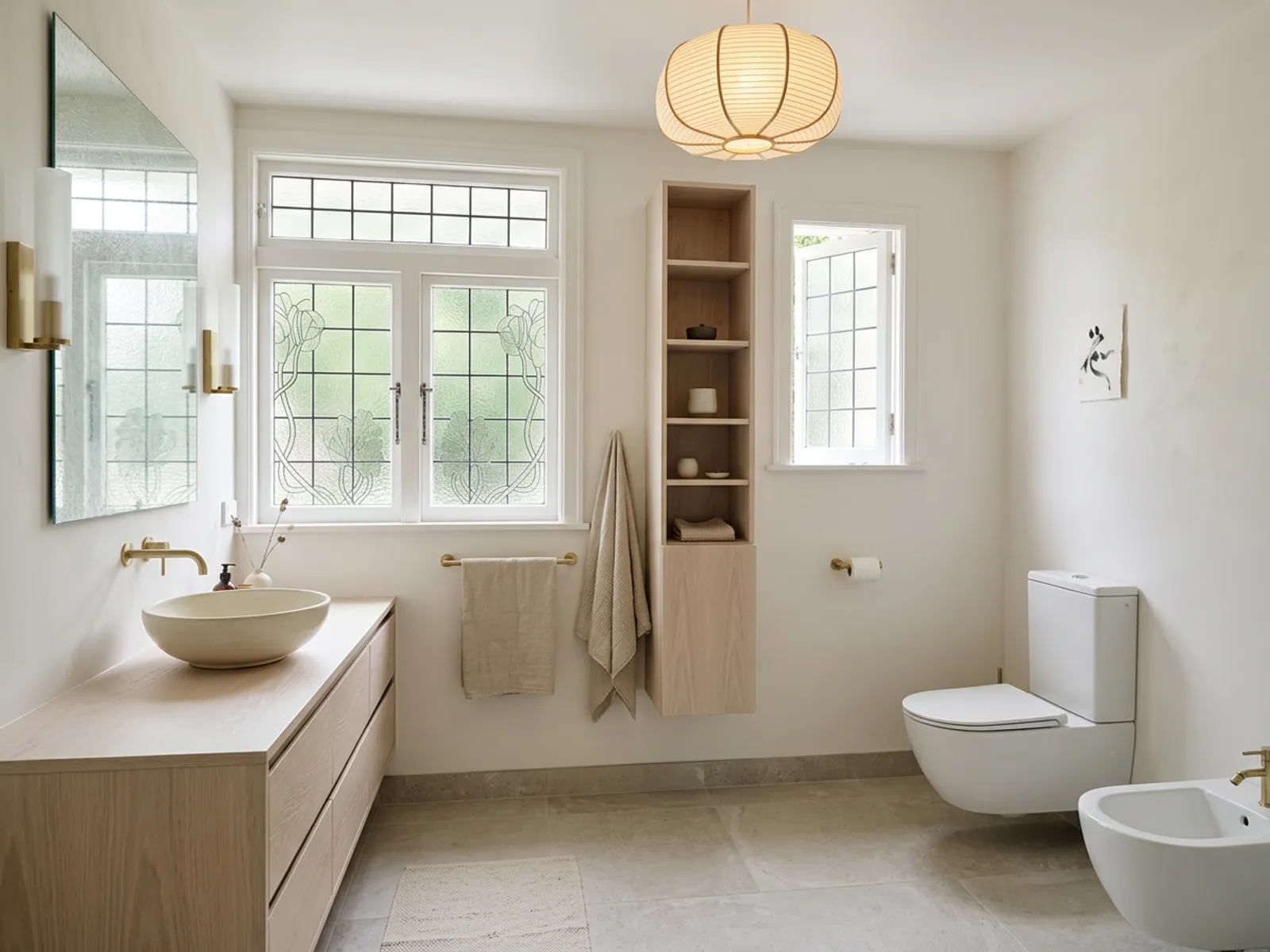
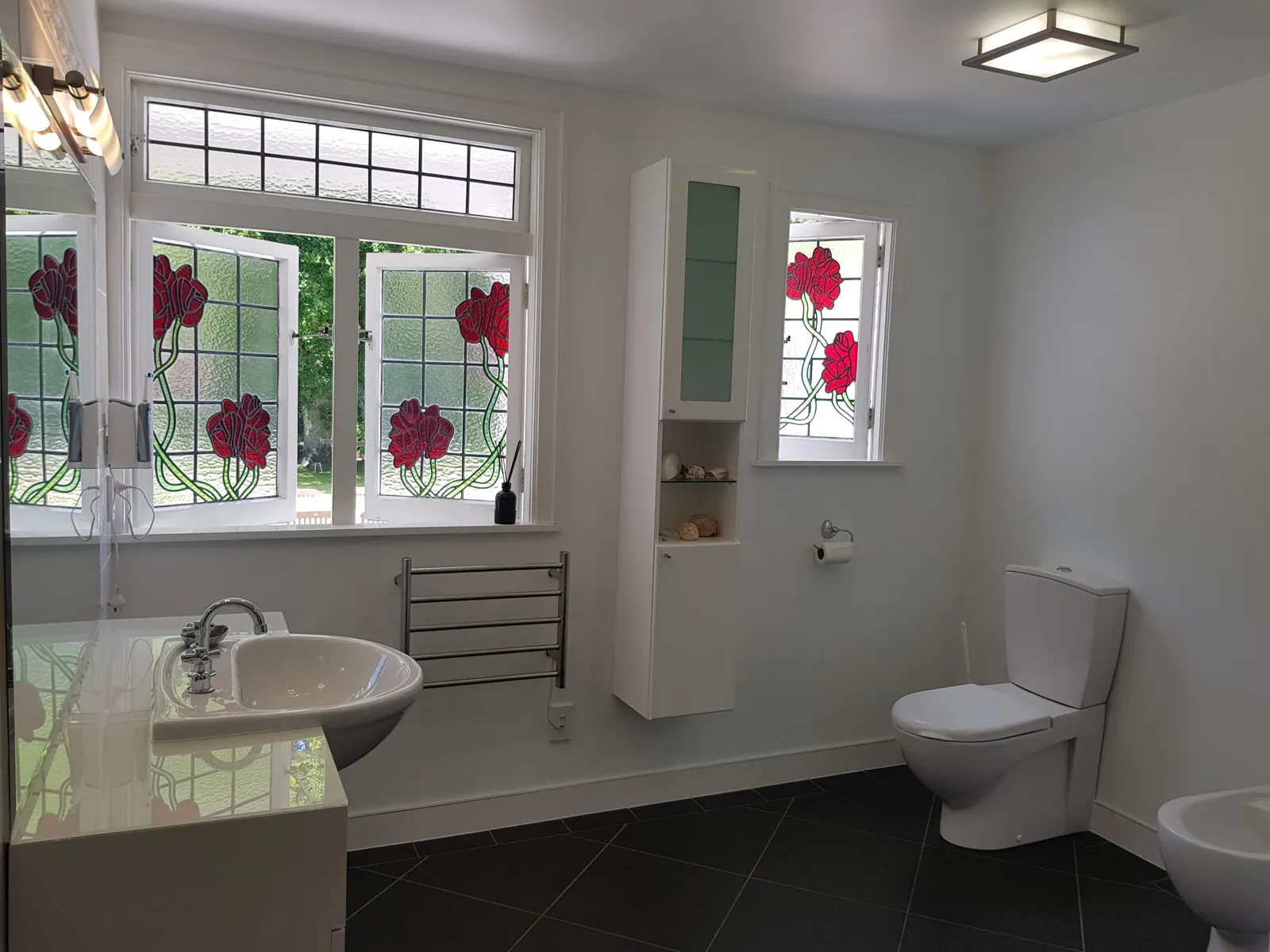 AfterBefore
RemodelBathroomJapandi 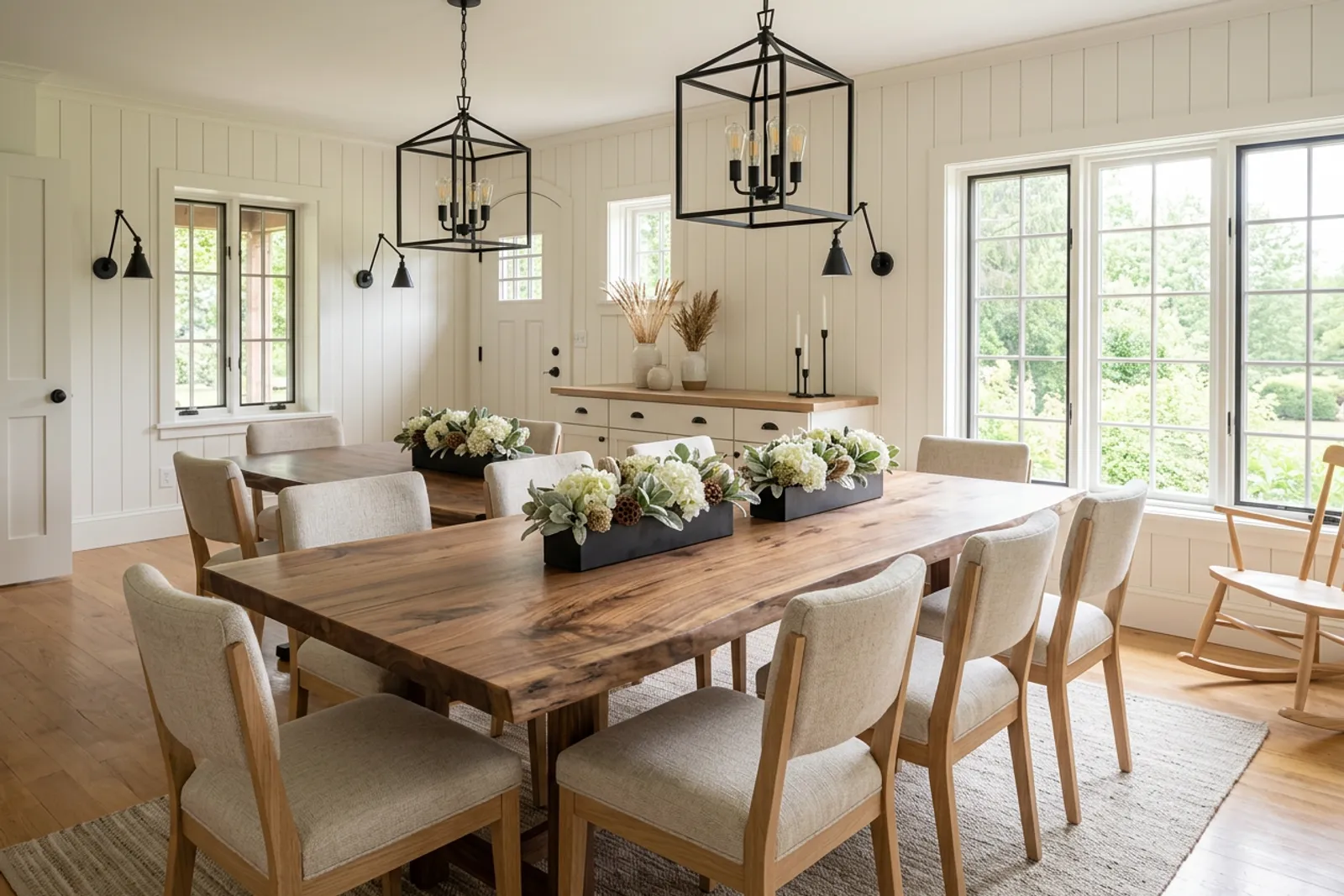
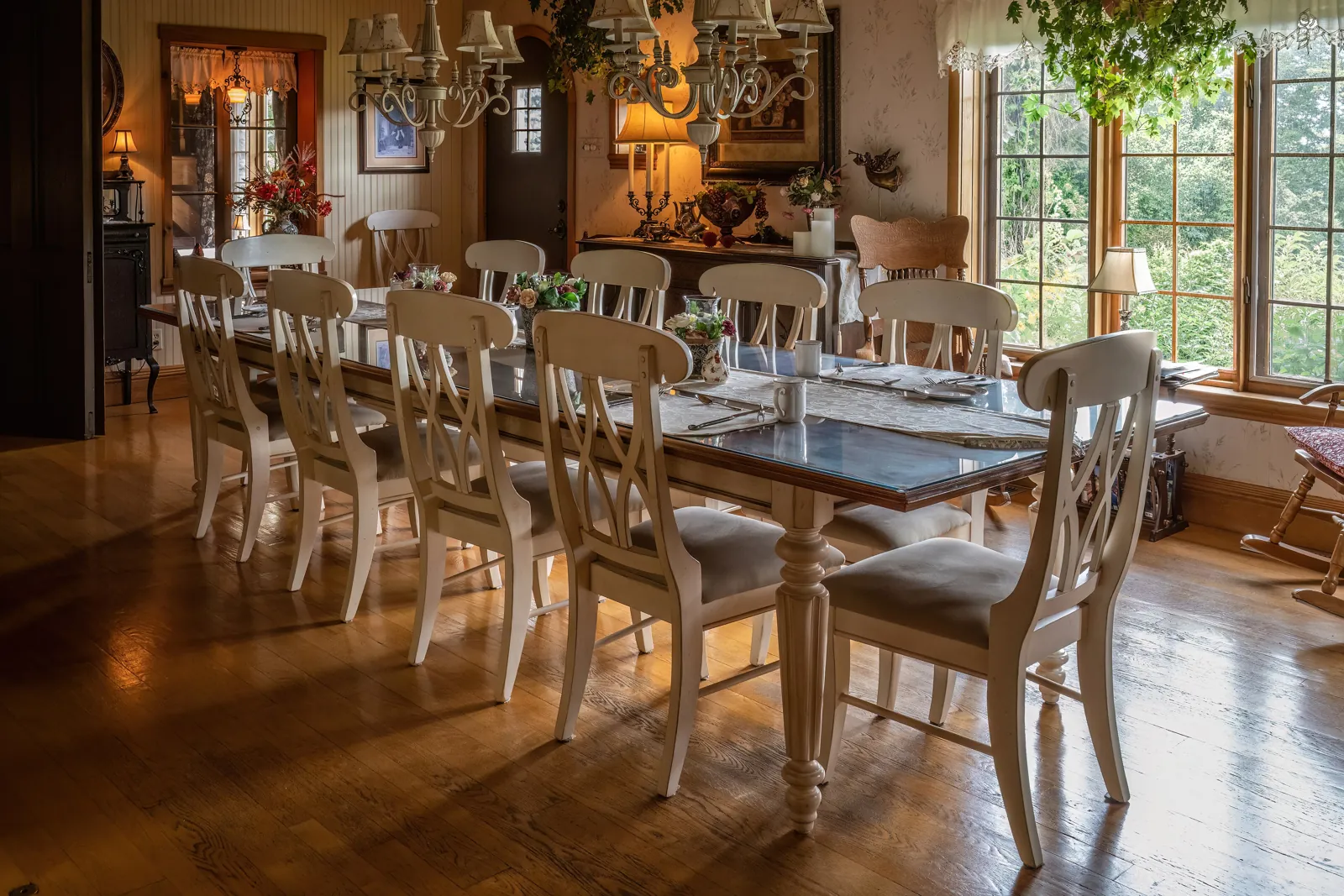 AfterBefore
RestyleDining roomModern farmhouse 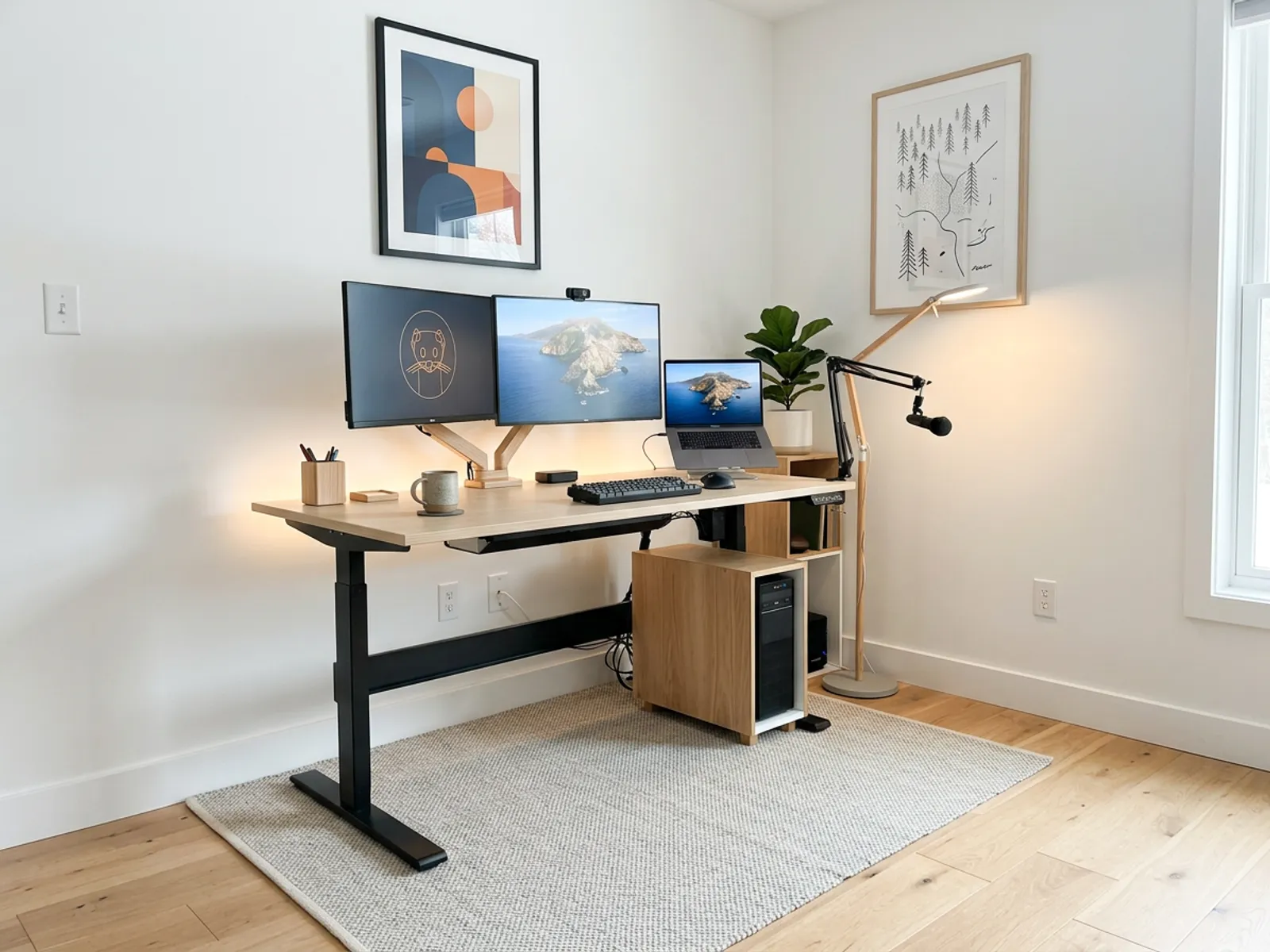
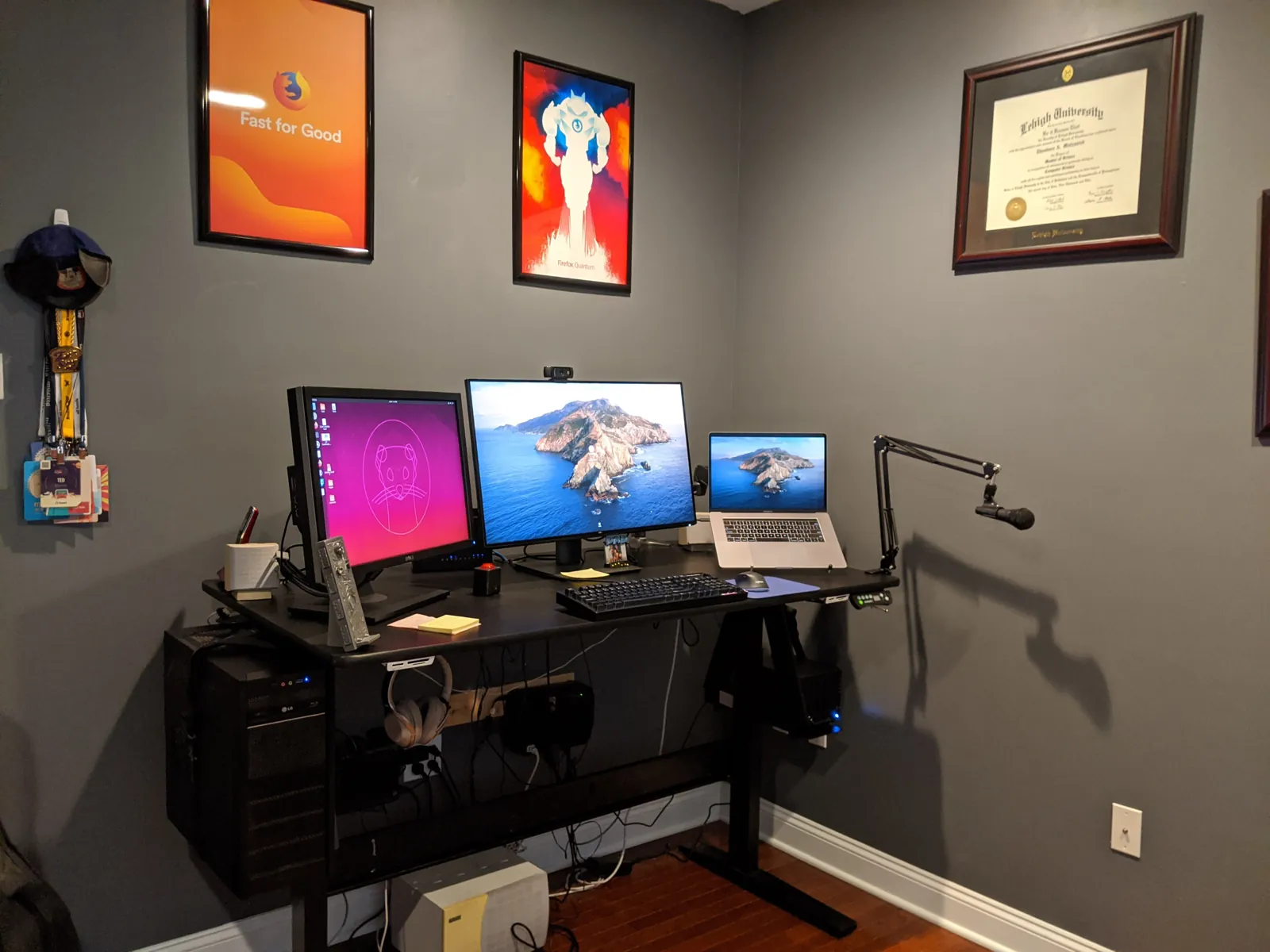 AfterBefore
RestyleHome officeScandinavian - AfterBefore
StagingLiving roomWarm modern 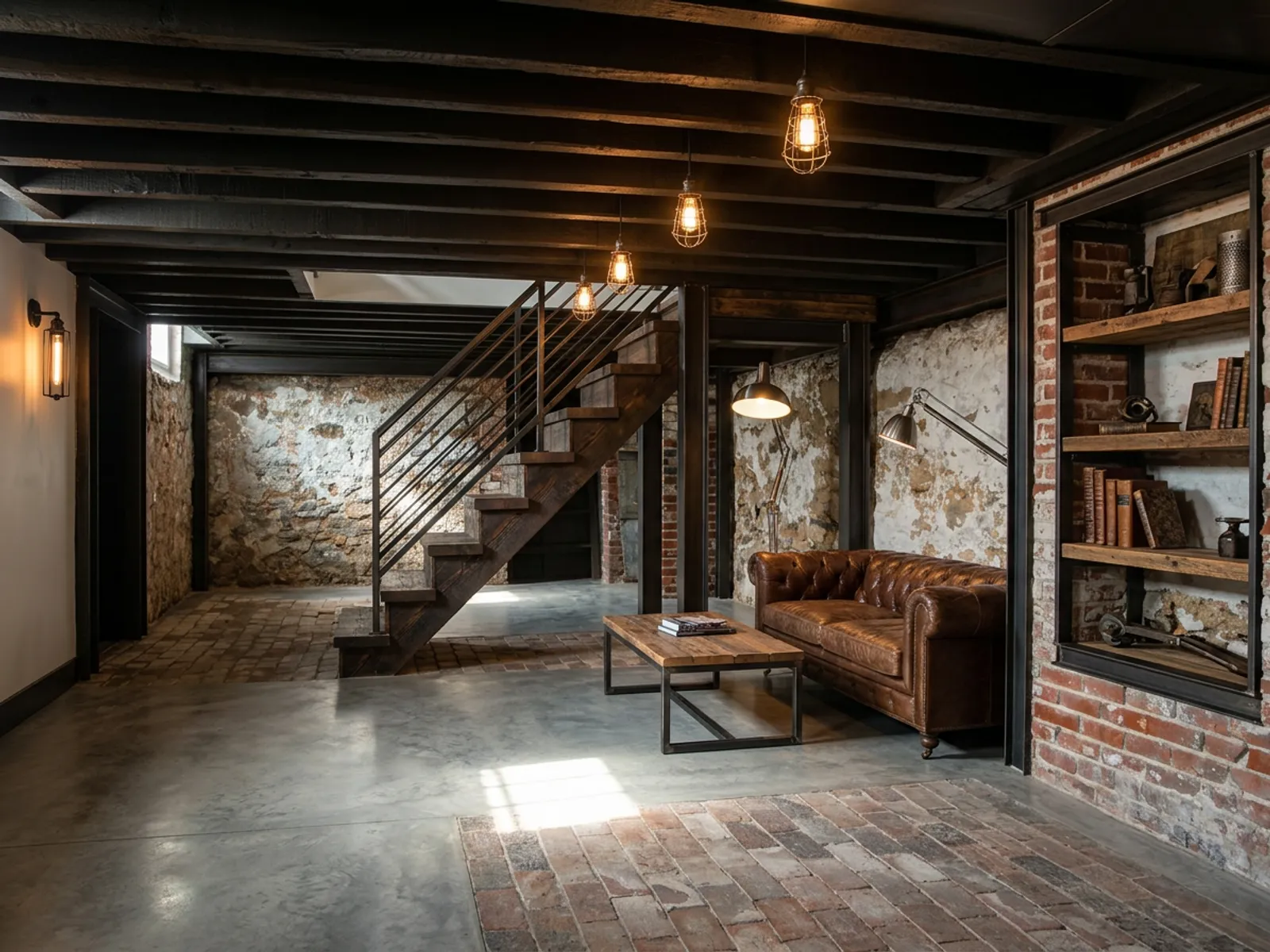
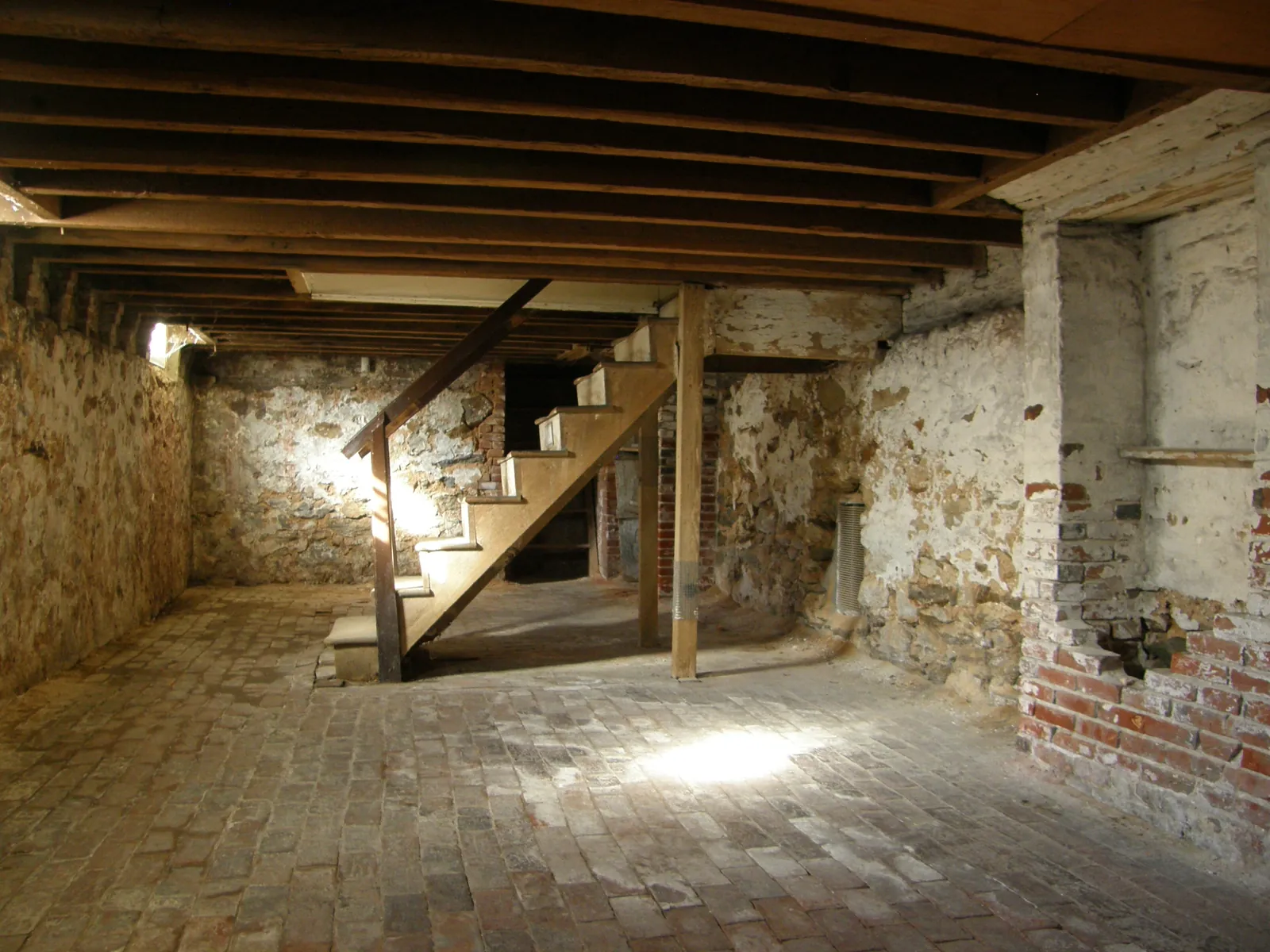 AfterBefore
RemodelBasementIndustrial 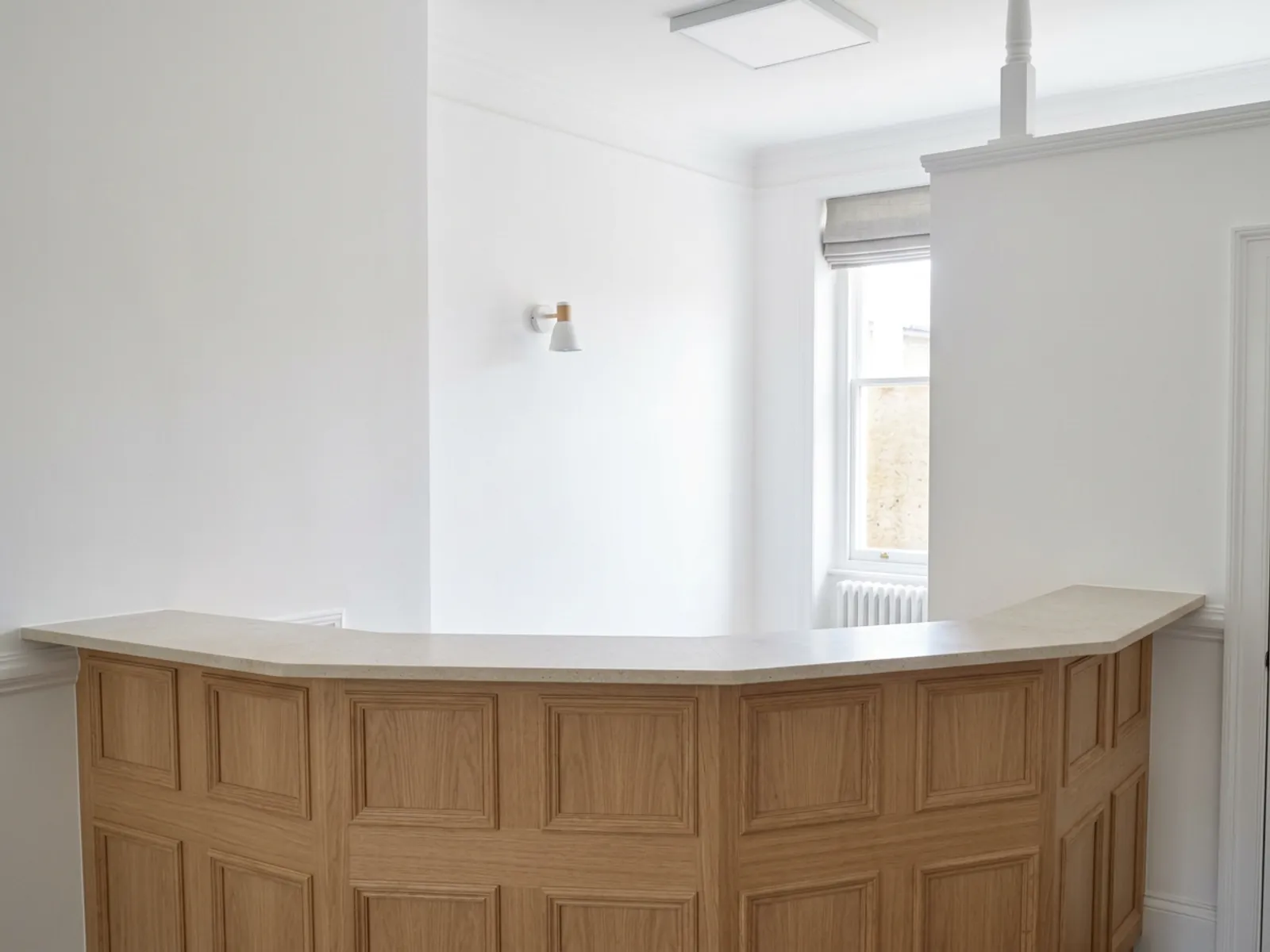
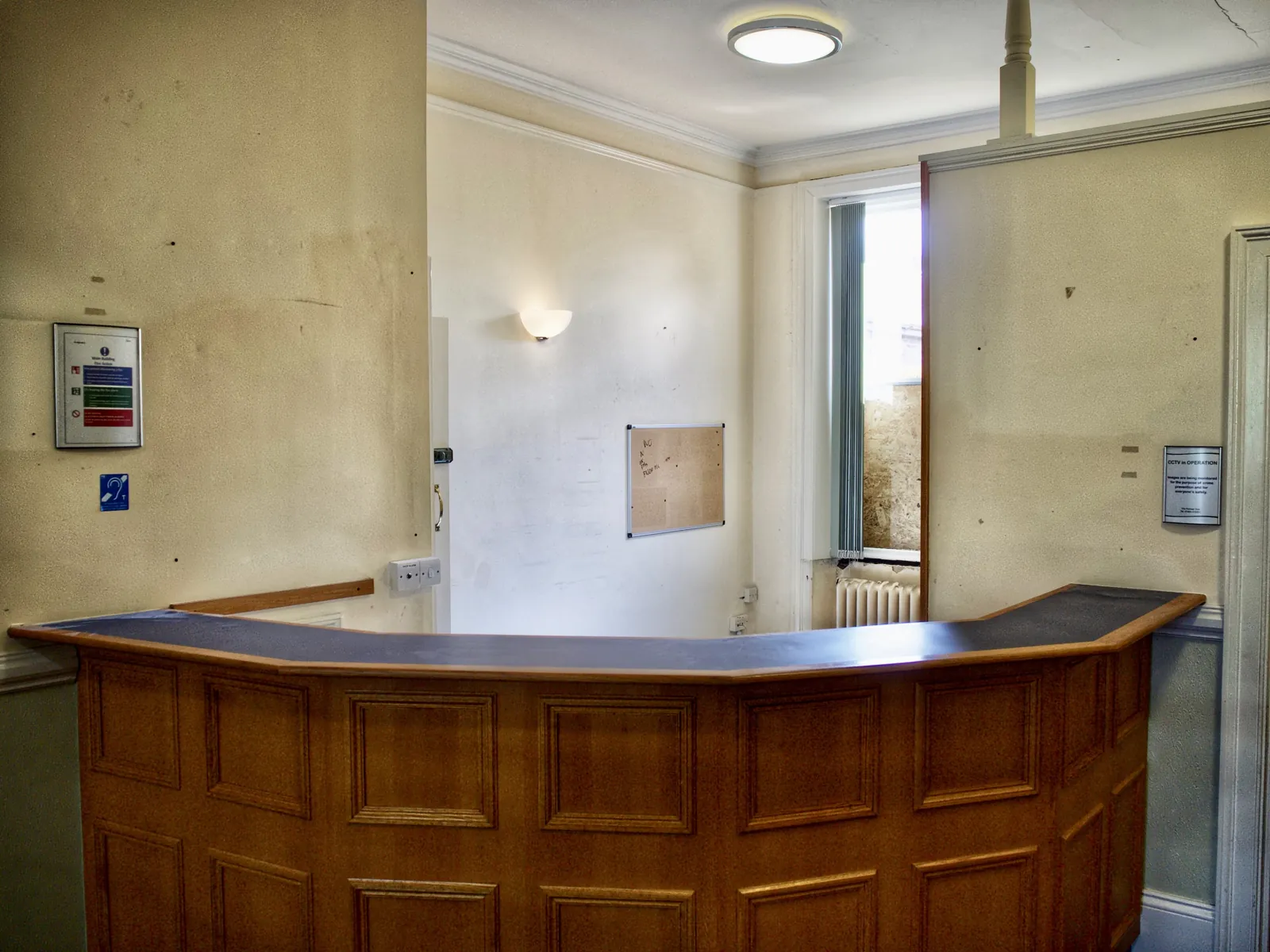 AfterBefore
RestyleEntrywayScandinavian 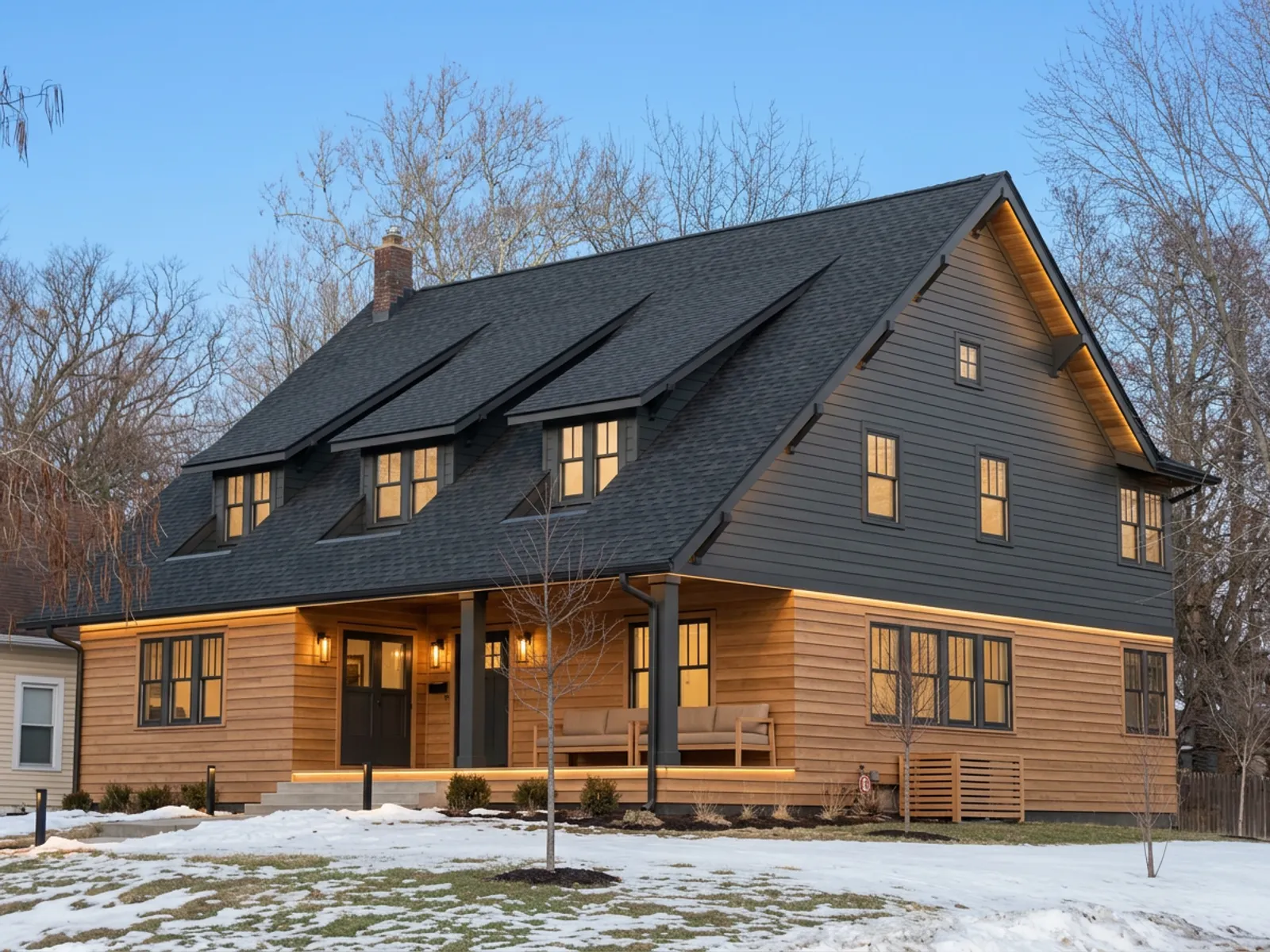
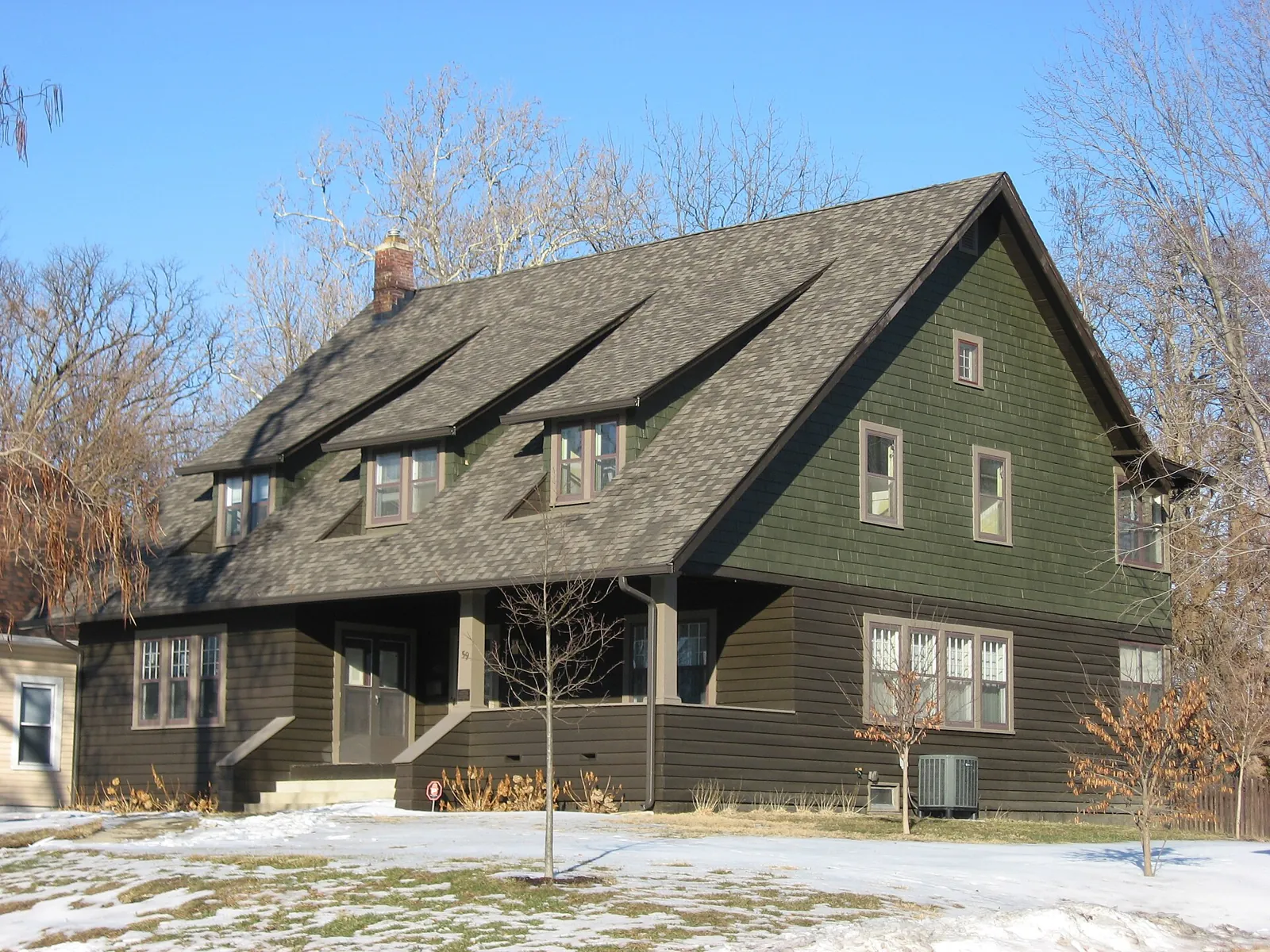 AfterBefore
RestyleExteriorWarm modern 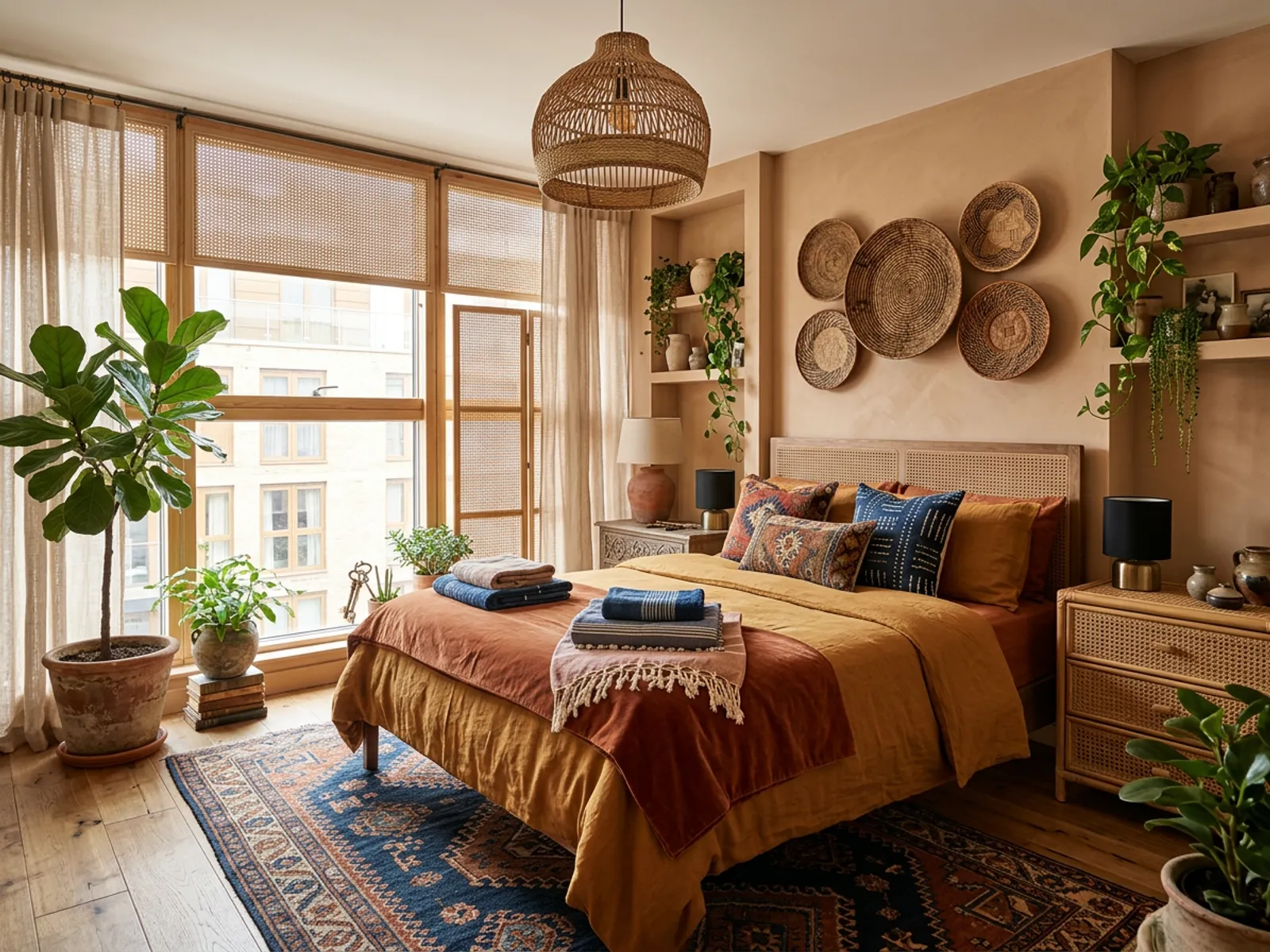
 AfterBefore
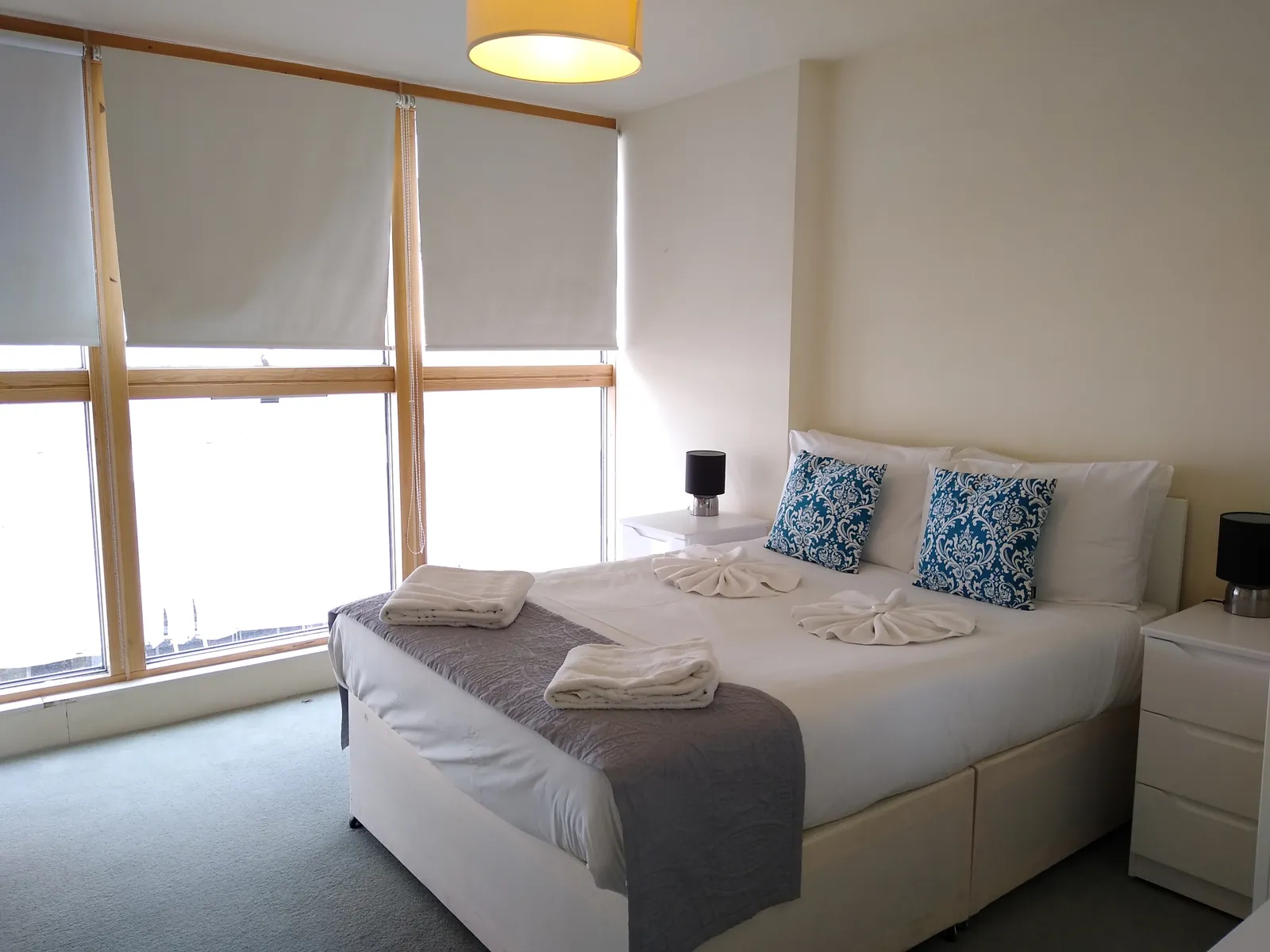
RestyleBedroomBohemian 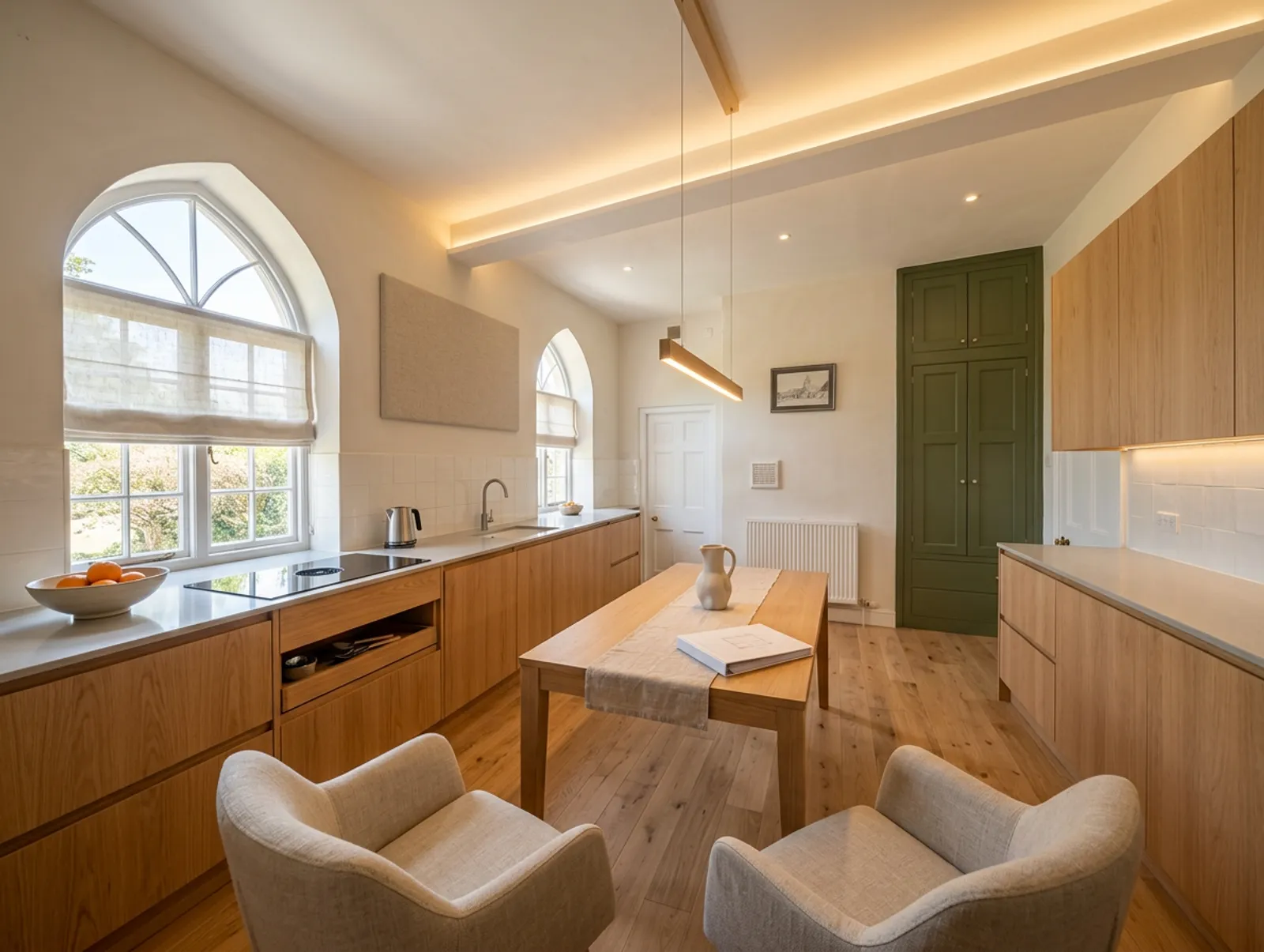
 AfterBefore
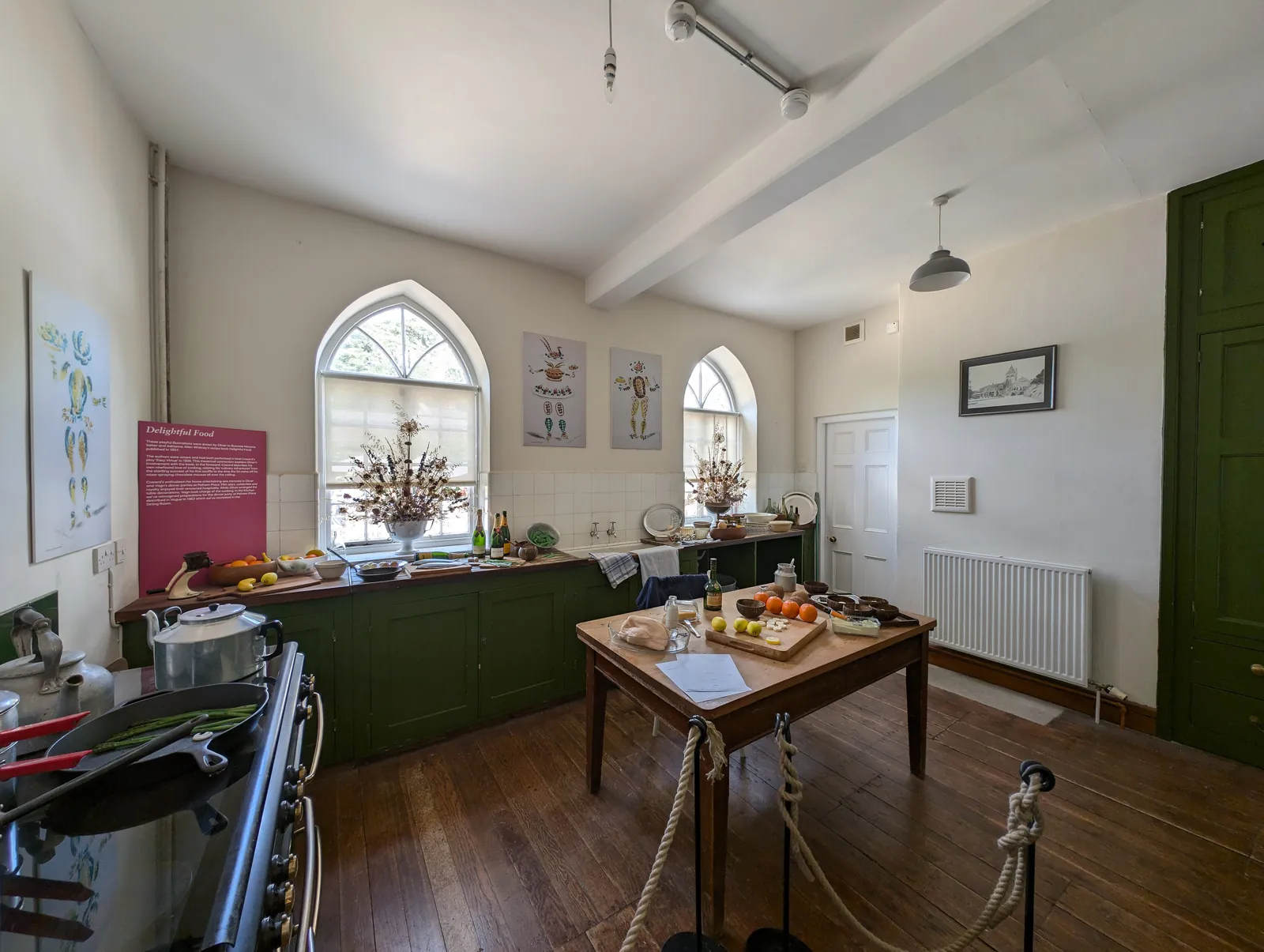
RemodelKitchenWarm modern
Questions
- Is the AI room design really free?
- Your first render is free, with no card needed. After that, renders come in one-time packs: $9 for 20, $19 for 70, or $29 for 140. There is no subscription and credits do not expire.
- Do I need to download an app?
- No. PropertySavvy AI is a web app that works in your browser on a phone, tablet or computer. There is nothing to install.
- How do I design a room with AI?
- Upload a photo of the room, choose whether to stage, restyle, renovate or empty it, pick a style, and press Generate. You get the same room in the new look, from the same camera angle.
- Which styles can I try?
- Twelve set styles, including Warm modern, Japandi, Scandinavian, Mid-century, Coastal, Modern farmhouse, Industrial, Art Deco and Bohemian, or you can describe your own in a sentence.
- Will it keep my windows and layout?
- Yes. The render keeps the camera angle, the walls, the windows and the doors where they are. It changes furniture, decor, paint and finishes, not the structure.
- What makes a good photo?
- A level shot from a corner or doorway, in daylight, showing most of the room. Avoid heavy blur, very dark rooms and extreme wide-angle lenses.
- Can I use the renders for a listing?
- Yes, many people use them to show an empty room furnished. If you use a staged photo in a listing, say that it is virtually staged.
1 free render. Then 45¢ on the smallest pack.
One credit is one render: staging, remodel or restyle. Packs are one-time, credits do not expire, and there is no subscription. A render that fails gives its credit back.
See the credit packsRelated pages
- KitchenPreview new cabinets, counters and floors from a photo of the one you have.
- Living roomStage an empty living room or restyle the one you have.
- BedroomStage or restyle a bedroom from the photo, and keep the window.
- BathroomPreview a remodeled bathroom before anyone opens a wall.
- Restyle a roomNew furniture, decor and color for a room you already live in.