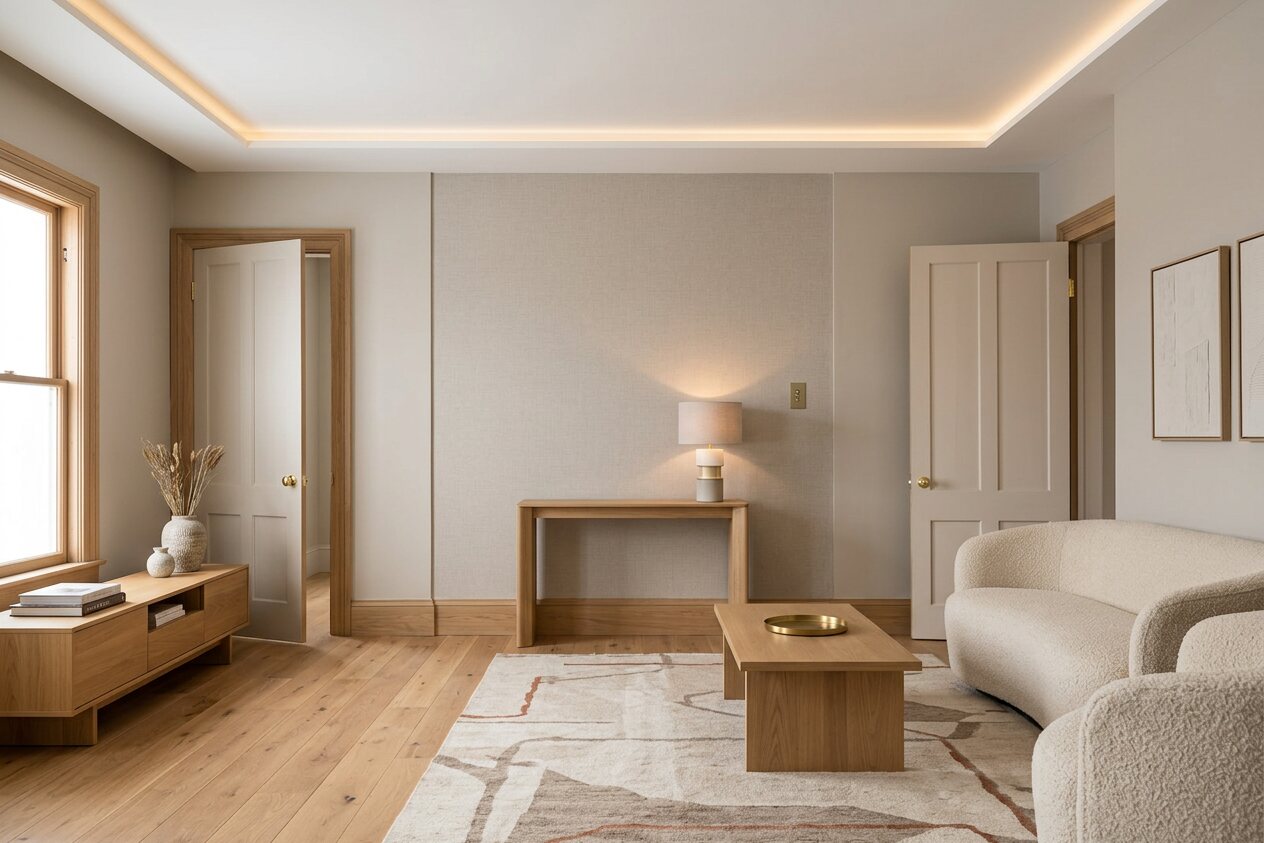
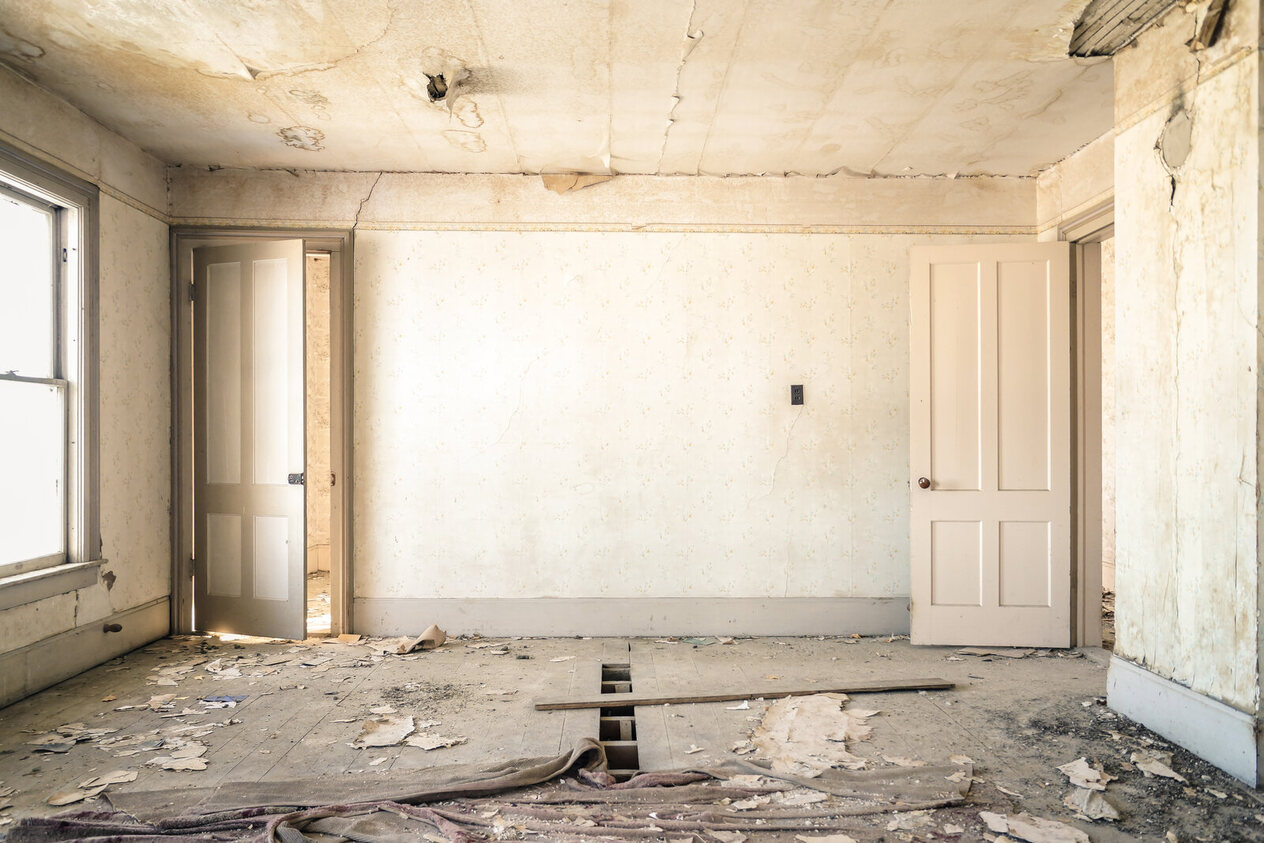
Stage, restyle or renovate any room from one photo
Stage it, remodel it, restyle it. See it first.
Upload one photo. Furnish an empty room for the listing, preview new cabinets or floors, or try a whole new style. Your walls, windows and layout stay put.
Your first render is free. Then from $9.
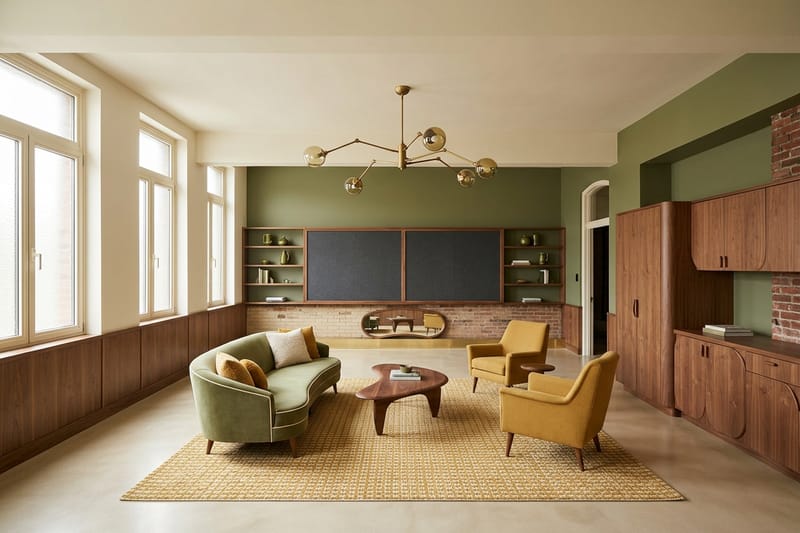
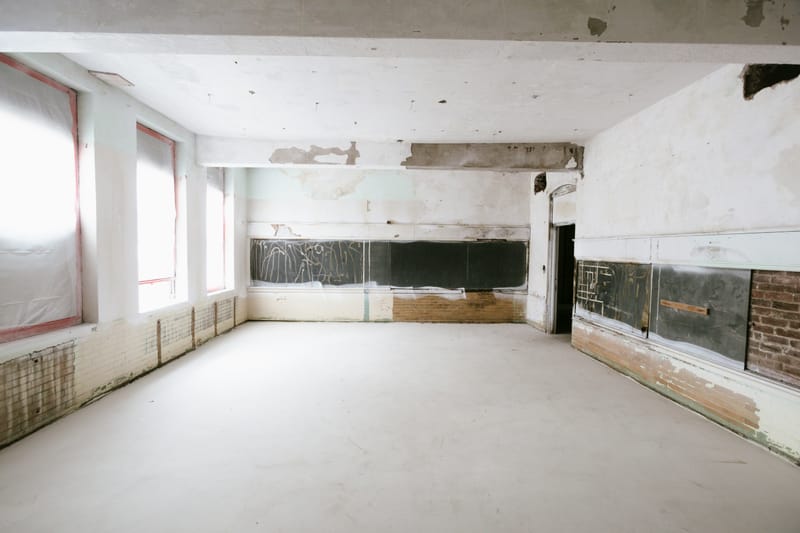
A real photo and the render it produced. Drag anywhere to compare.
01
Show the space
Upload a room, empty or furnished, a facade, or a yard.
02
Pick the job
Stage it, restyle it, or preview a remodel. Choose a style or say what should change.
03
See your room, changed
Same camera, same walls and windows. Use it for the listing, the contractor talk, or your own decision.
12 styles · 12 colour palettes
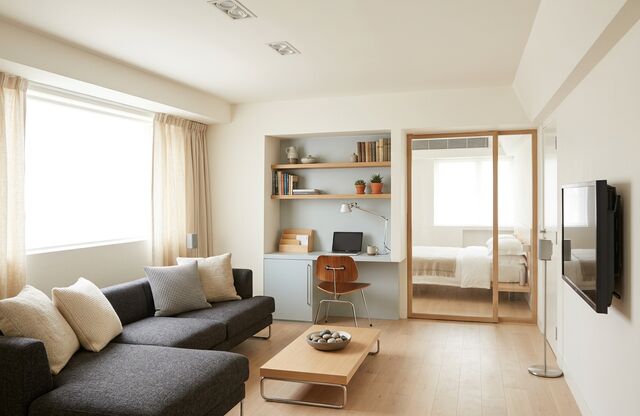
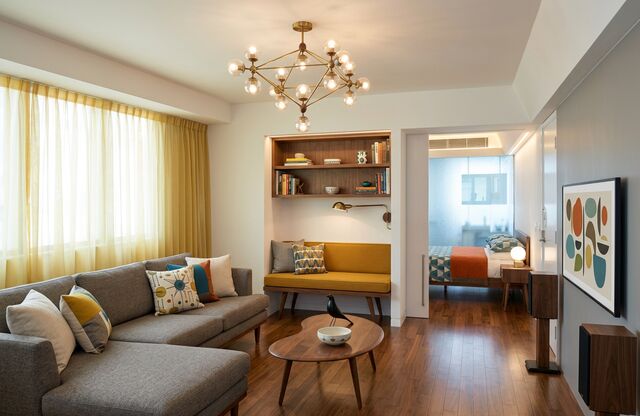
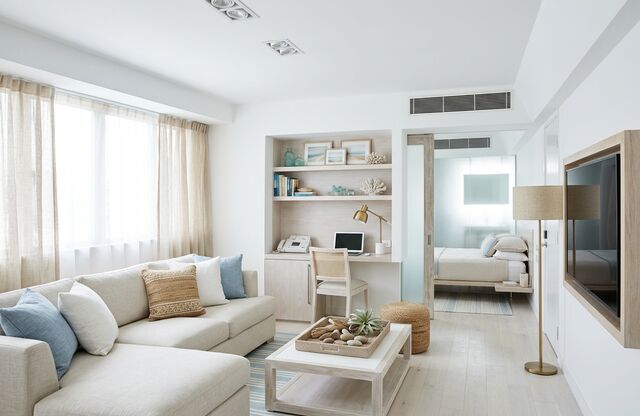
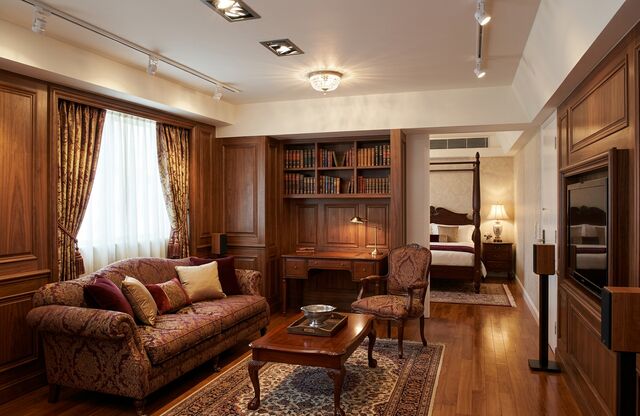
One room, 12 directions.
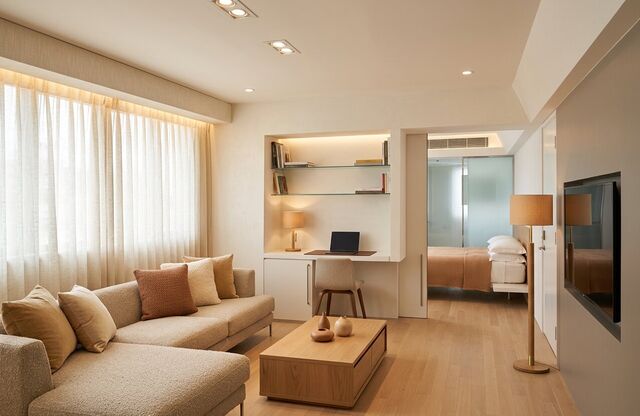
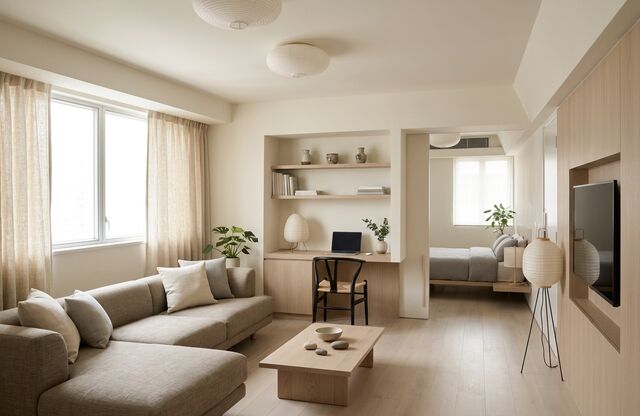
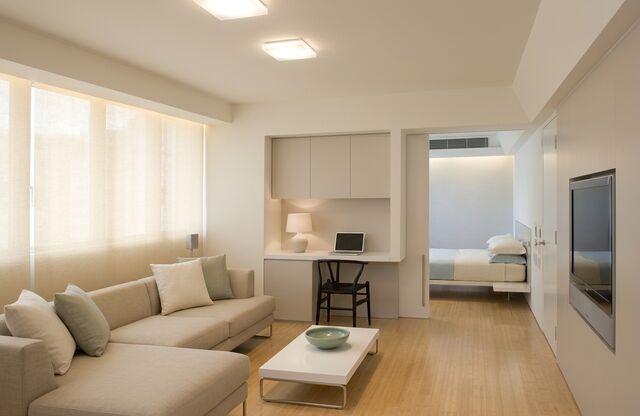
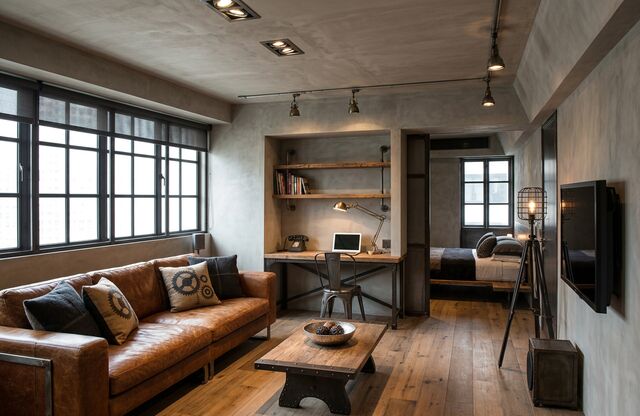
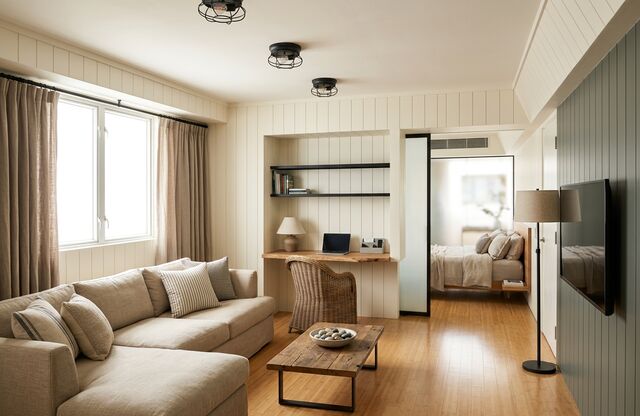
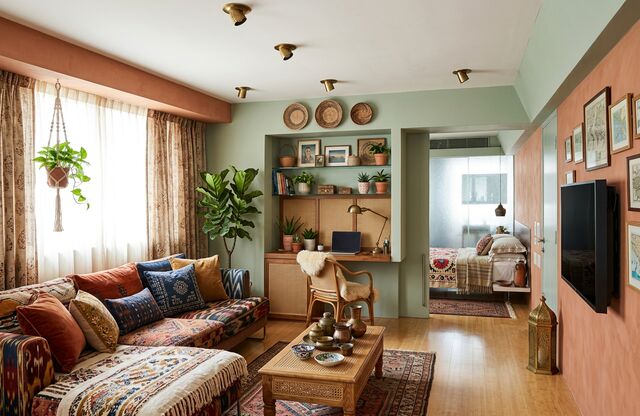
Every picture below is the same living room, redesigned by PropertySavvy AI in that style: one request each, unretouched. It works on 8 kinds of interior and 6 kinds of exterior, from kitchens and bathrooms to front yards and patios.
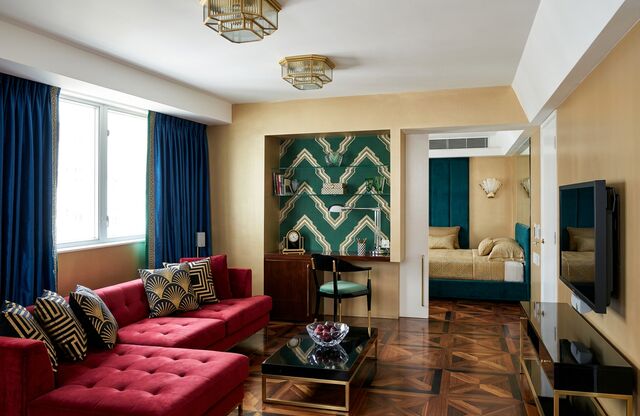
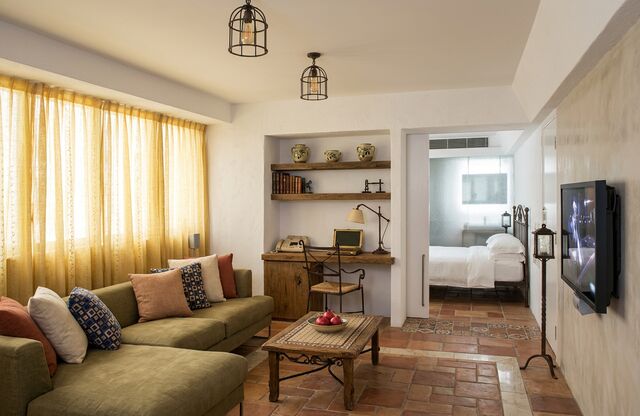
Three rooms · three directions
Not just living rooms.
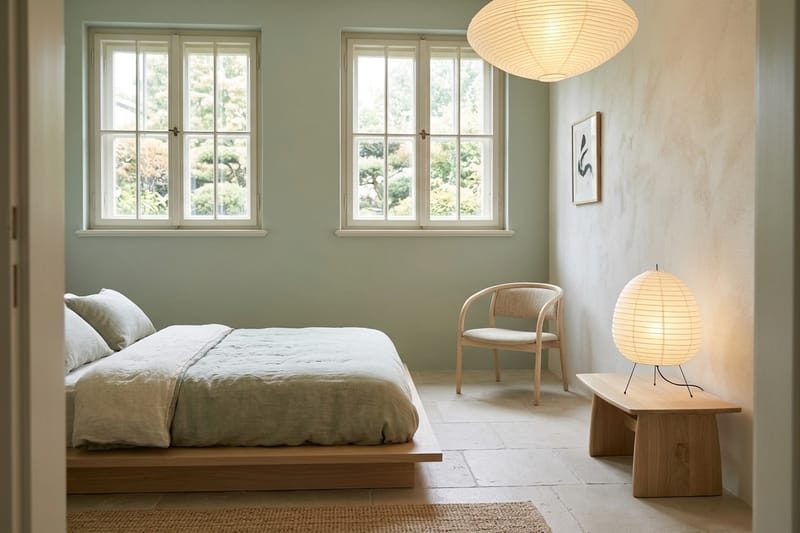
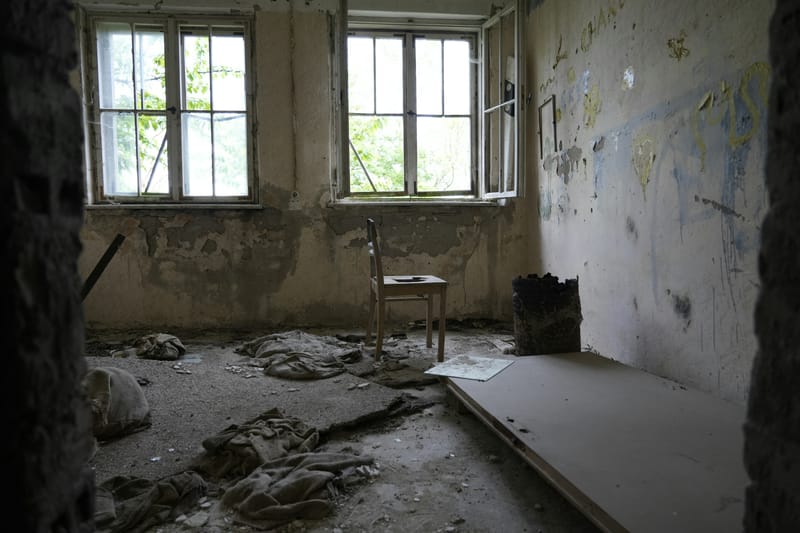
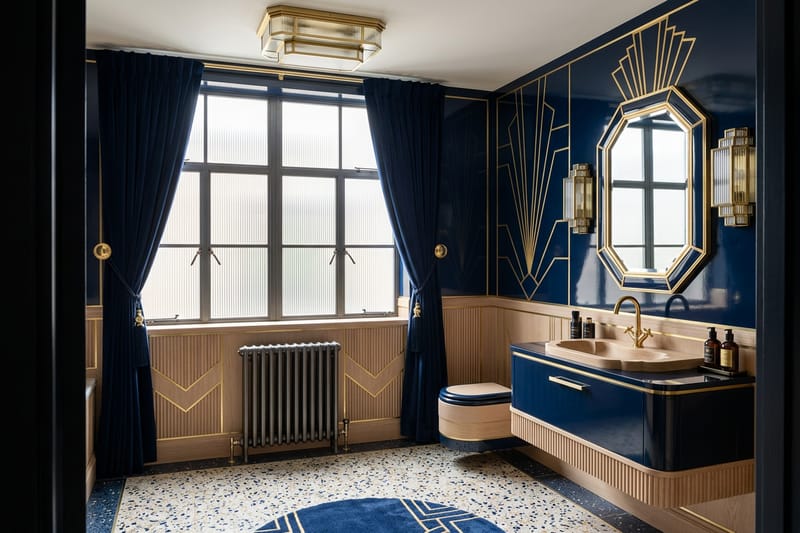
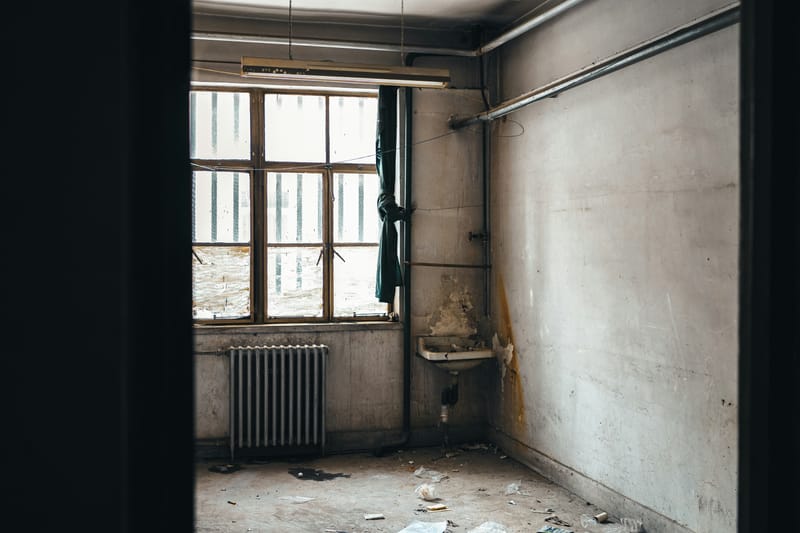
Three more real photographs and what PropertySavvy AI returned for each: one request, unretouched, in 3 different kinds of space. The camera angle, the windows and the doors stay where they were — in the bathroom it even kept the cast-iron radiator.
Pricing
Try it free. Then from $9.
A new account gets 1 free render. After that one credit is one render, staging, remodel or restyle, bought in one-time packs. No subscription, and credits never expire.
$9
20 credits
45¢ a render
Most popular
$19
70 credits
27¢ a render
$29
140 credits
21¢ a render
Plainly
What it does, what it costs, and what it is not.
- What does PropertySavvy AI do?
- It does three jobs from one photo of a room or the outside of a Home: virtual staging (furnish an empty or cluttered room for a listing), remodel previews (new cabinets, counters, flooring and surfaces) and redesign (a new style or new furniture). Pick one of 12 styles or describe your own. About 15 seconds later you get a photorealistic picture of that same space, from the same camera angle. Your walls, windows and layout stay put.
- What does it cost?
- A new account gets 1 free render. After that, one credit is one render, sold in one-time packs: 20 credits for $9, 70 credits for $19, 140 credits for $29. That is 45¢ a render on the smallest pack and 21¢ on the largest. There is no subscription, credits do not expire, and a render that fails gives its credit back.
- Restyle or Renovate?
- Use Restyle to stage or redesign: it changes furniture, paint, lighting and finishes and leaves the walls, windows and doors alone. Use Renovate to preview a remodel: it also reworks built-ins, cabinetry, flooring and surfaces. The derelict room at the top of this page was done with Renovate.
- What happens to my photo?
- It is sent only when you press Generate, to our design service and from there to a third-party AI image model. We do not store the photo or the result, which is why you download the picture from the page while it is open, and we do not use your photos to train anything.
- What is it not?
- It is not a plan, a measurement, a quote or design advice. The model changes things you did not ask about and can draw finishes or structure that could not be built as shown. It is a fast way to see a direction and react to it before you spend money, and any real decision still belongs with a qualified professional.
Your room, not a stock photo
A picture to decide with, not a plan.
PropertySavvy AI starts from your own photo. Stage an empty room so buyers can picture living there, preview a remodel before you pay for one, or restyle a room you are tired of. It works inside and out, and your walls, windows and layout stay put.
Generated images are creative references, not measurements, construction documents, or promises about what a project will cost. The useful part is the conversation they make possible.
Who it is for
Same upload. Different jobs.
Stage an empty room, show a vacant unit, preview a remodel, or restyle the room in the photo.
- AgentsFurnish an empty room photo before the next showing.
- ManagersShow a vacant unit furnished, from the photo you already took.
- KitchenPreview new cabinets, counters and floors from a photo of the one you have.
- Living roomStage an empty living room or restyle the one you have.
- BedroomStage or restyle a bedroom from the photo, and keep the window.
- BathroomPreview a remodeled bathroom before anyone opens a wall.
- Dining roomStage an empty dining room or try a new table, lighting and paint.
- Home officeTurn a spare room or corner into an office you would want to work in.
- BasementSee an unfinished basement finished before you frame a wall.
- EntrywayRestyle the first room guests and buyers see.
- ADUSee a garage, basement or backyard unit as a finished ADU.
- Virtual stagingFurnish an empty room photo in about 15 seconds.
- Restyle a roomNew furniture, decor and color for a room you already live in.
- Remodel previewSee new floors, cabinets and finishes before you hire anyone.
- Paint colorsTry a wall color and palette on a photo of your own room.
- Exterior makeoverNew siding, paint, porch and yard on a photo of your Home.
- Empty roomTake the furniture and clutter out of a photo to show the bare room.
- AI room designDesign a room from one photo in your browser. First render free.
- Bathroom ideasLayouts, tile, lighting and storage ideas with real before and afters.
- Virtual vs home stagingWhat each costs, how long it takes, and when a physical stager is still worth it.
Start with the space in front of you